AI Rendering for Architects
Photorealistic Architectural AI Renders In Seconds
Save 40+ hours per project. Professional-quality +4K Images. Start now and boost presentations and client approvals.
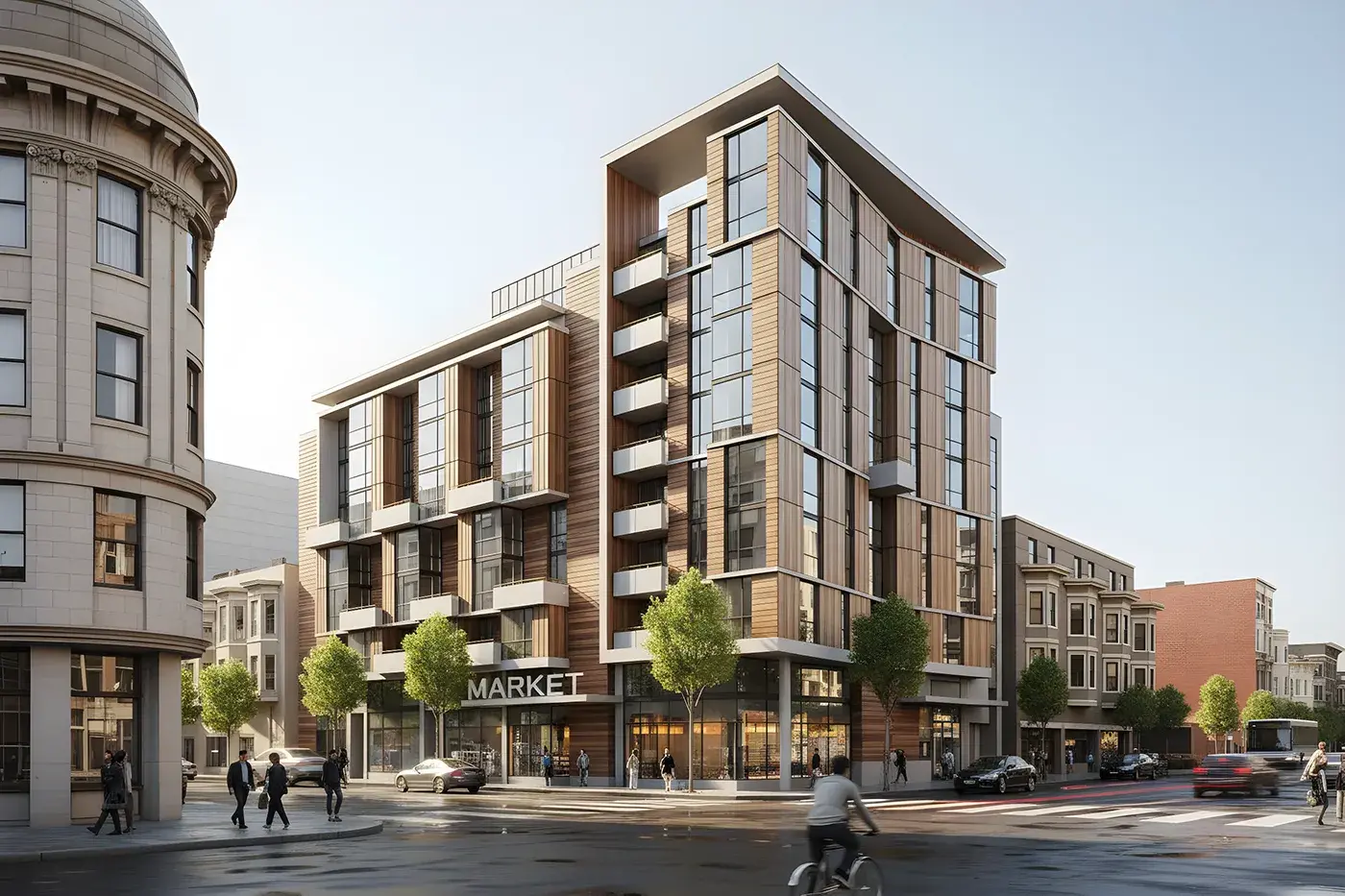
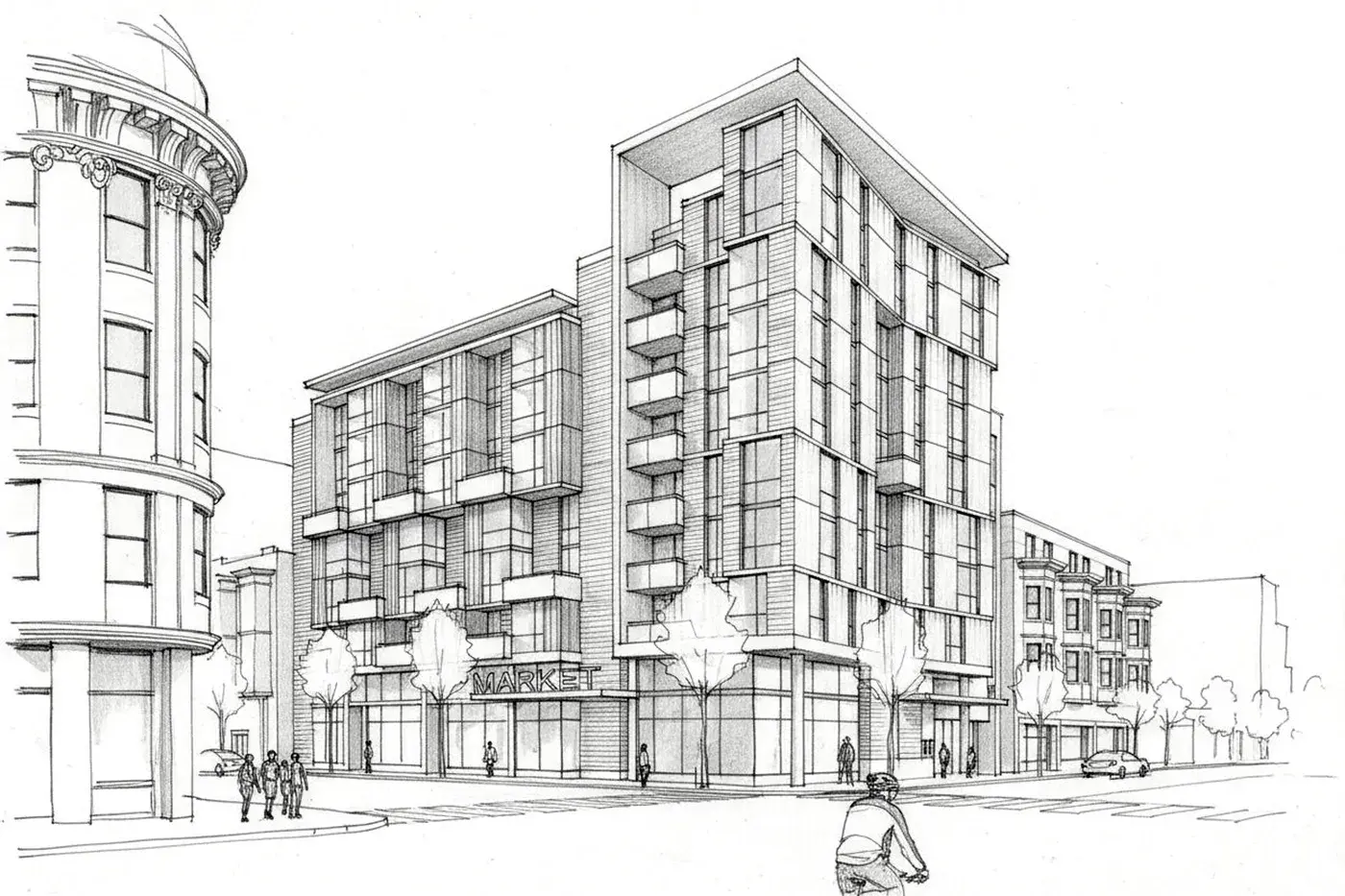
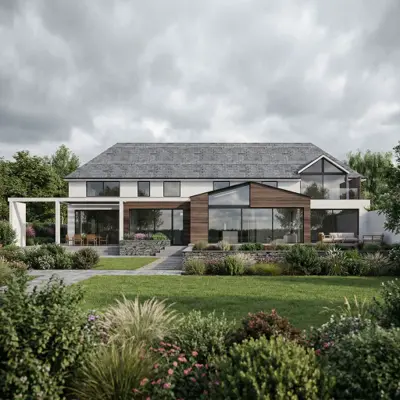
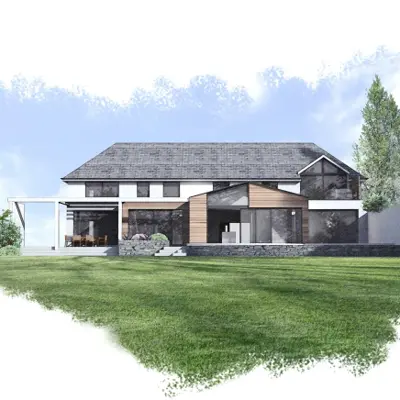
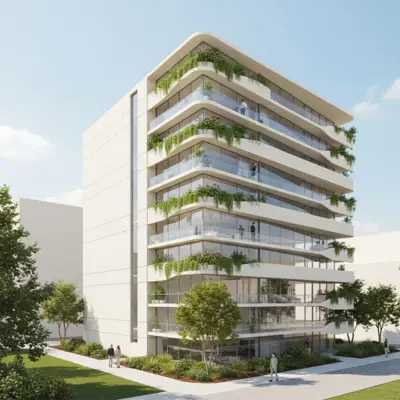
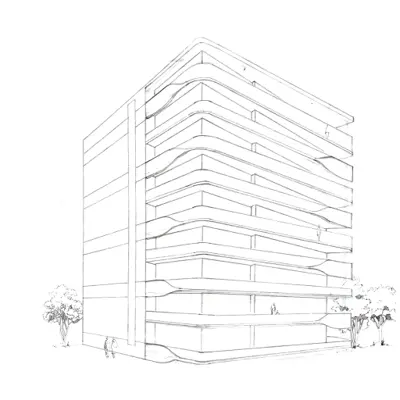
Hand-drawn to Rendering of a building created by Alisson K., Architect with RenderAI
From Sketch to Stunning Renderings
RenderAI bridges the gap between your architectural vision and client expectations, turning sketches, CAD or 3D models into stunning, photorealistic visualizations in seconds.
Whether you're presenting initial ideas, exploring design variations, or finalizing project details, our AI-powered rendering tool helps you communicate your ideas more effectively and close projects faster than ever before.
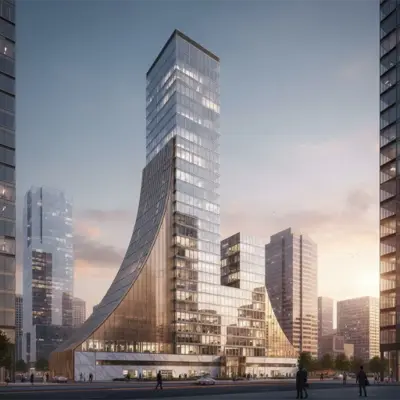
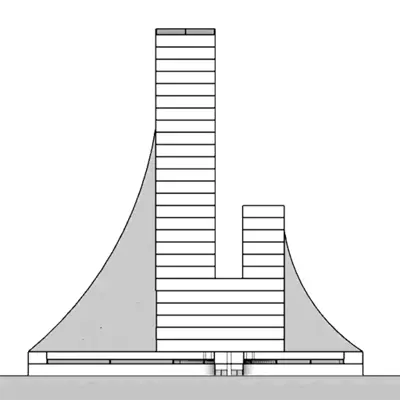
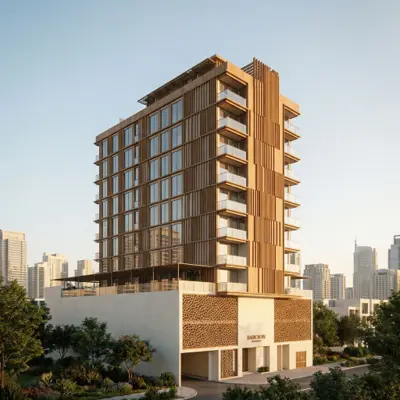
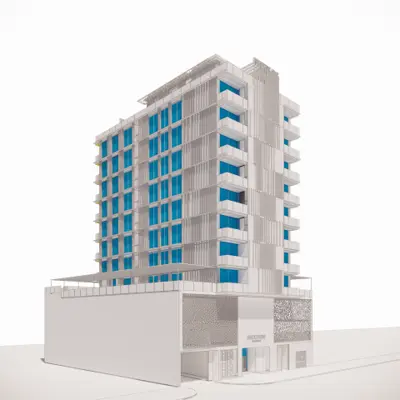
Tools
RenderAI includes a suite of tools to help you create stunning architectural & real estate AI renderings.
Sketch to Render
Turn hand drawn sketches, facades, or any visual illustration into a photorealistic AI rendering in seconds, without expensive software or licenses.
Upscale
Upscale any AI rendering to print resolution +6K with sharp detail — ready for presentations, portfolios, and marketing materials.
Animate
Use AI Rendering to generate powerful architectural walkthrough videos, orbit animations, and fly-throughs directly from a still render in seconds instead of weeks.
Render Enhance
Elevate the quality of existing renders — refine materials, lighting, and atmosphere, add people or change the point of view in seconds.
CAD to Render
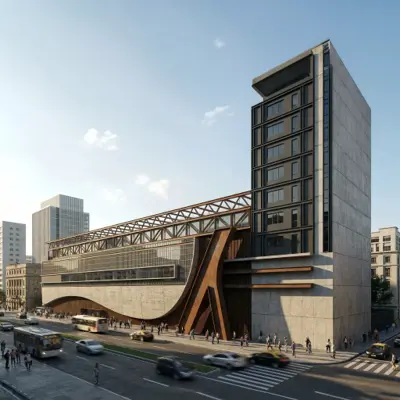
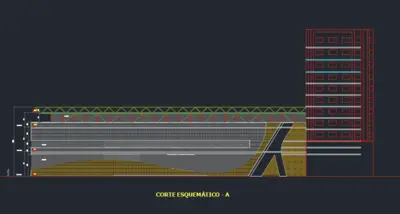
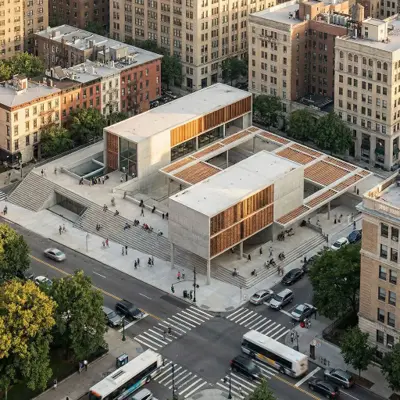
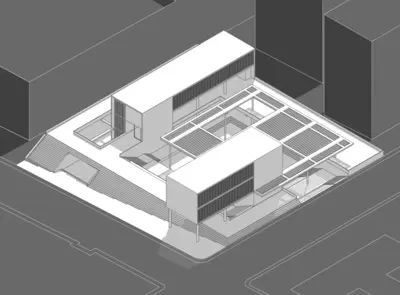
Convert AutoCAD and BIM models into photorealistic architectural renders — ready for client presentations without additional software or licenses.
Image Annotate
Guide AI visual model to edit with annotations — mark specific areas to change directly on the image for precise control.
Multi Image Edit
Use a reference image to guide edits — apply a consistent style, material palette, or furniture set across your renders.
Material Edit
Swap materials and finishes on architectural renders with precision and accuracy — explore stone, wood, concrete, and any other material options instantly.
Architects and Real Estate Professionals Recommend RenderAI
Rated Excellent on TrustPilot. Trusted by professionals and students from more than +60 countries and +100 universities around the world.
 on Trustpilot
 💬App exceeded my expectations. The high resolution renderings were about 95% accurate in depicting hand sketch images with detailed text description. As an architect, I am researching AI technology at this time. However, RenderAI by far will suit my future needs for the price.
💬I used it for processing real estate images and was very satisfied with the results. I definitely recommend it to others.
Save 40+ Hours Per Project
Present architectural and urban design projects faster and more efficiently with AI render
Hours Saved
Reduce rendering production and coordination time from days to minutes. Focus on design instead of coordination.
Not Days
Visualize and iterate in seconds instead of spending days on traditional architectural rendering workflows.
x4 Faster
Show clients design options on real-time and get approvals x4 faster using visualization, reducing meetings and coordination delays.
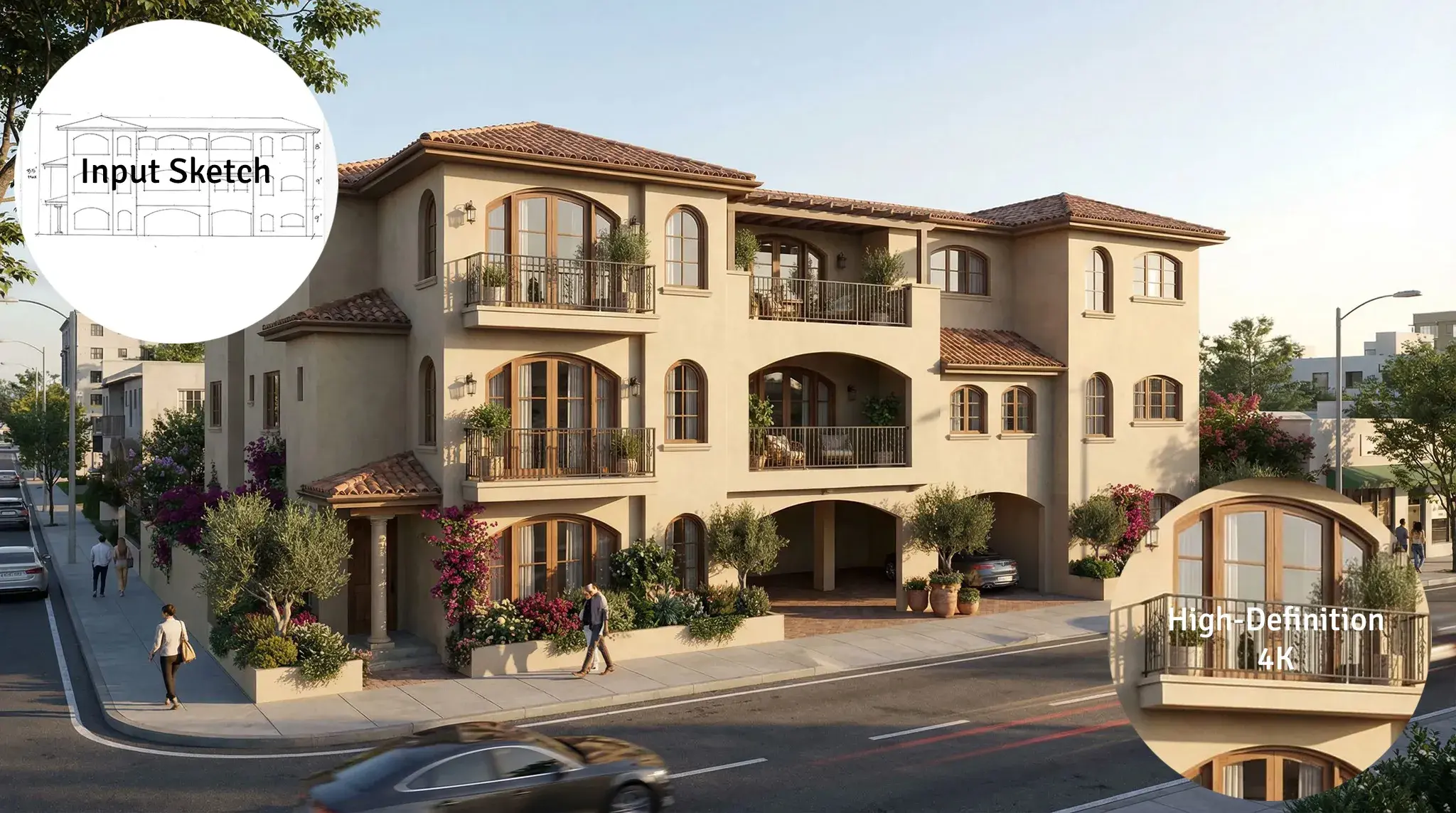
From linear sketch to architectural AI Rendering in 4K resolution created by Melanie C. Designs
Get RenderAI ProFits Into Your Workflow
Works with your favorite design tools. Seamless integration into your existing architectural design process.
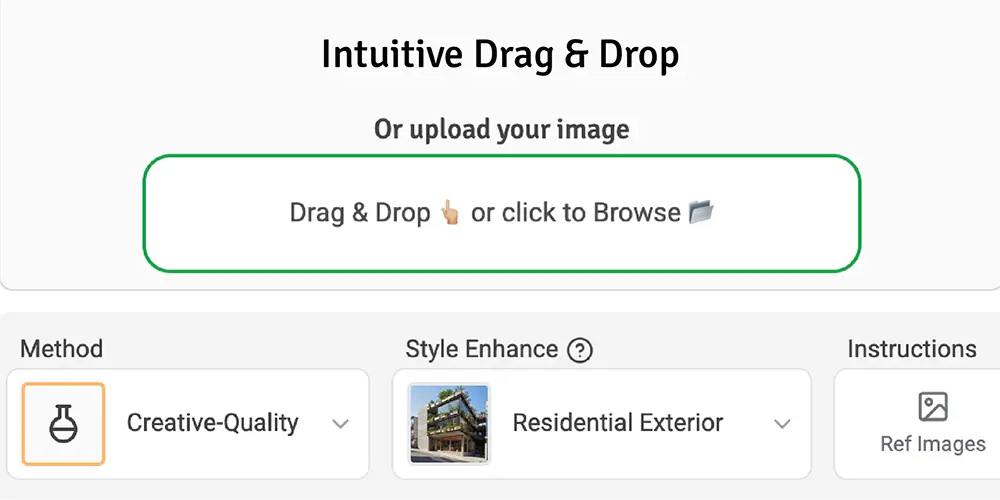
Upload your design
Start with any input: hand-drawn sketches, 3D models or CAD screenshots, or floor plans. RenderAI accepts any visual input from your existing design files from SketchUp, Revit, AutoCAD, and more.
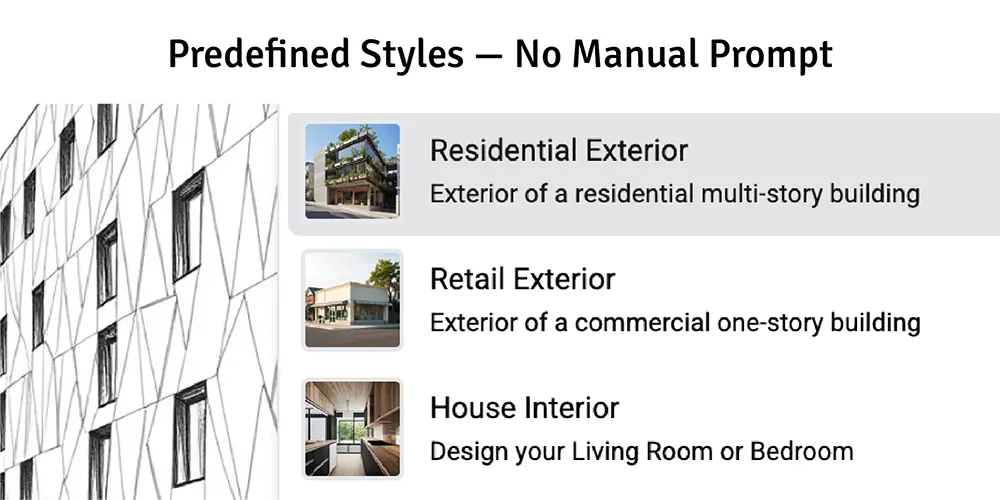
Select rendering style & options
Choose from predefined architectural rendering styles, materials, lighting conditions, and perspectives. Customize to match your design vision and presentation needs.
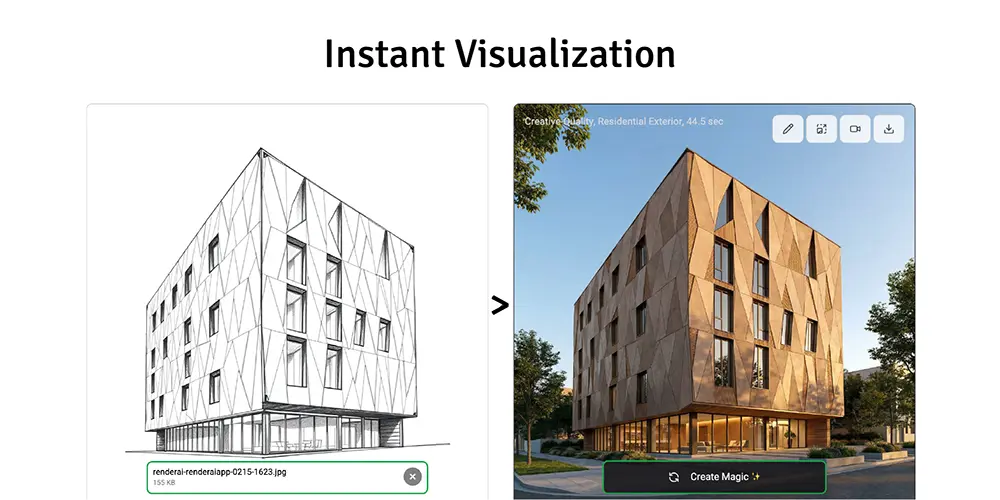
Get rendered visualization instantly
Within seconds, create a high-quality +4K resolution architectural visualization ready for client presentations, documentation, and approvals. No waiting, no delays.
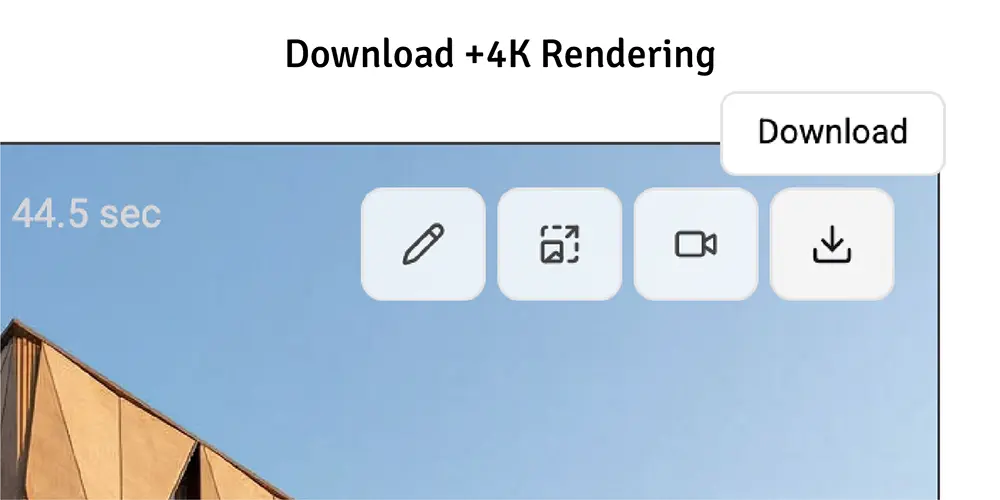
Share with clients and iterate
Download, share, or iterate. Create multiple variations quickly to show clients different design options, materials, and perspectives to get faster approvals. No watermarks, your property, commercial use included.
Frequently Asked Questions
Find answers to common questions about RenderAI for architects.
- RenderAI provides instant results in seconds, while traditional rendering software or real-time rendering software can take hours or days. While traditional rendering software offers more granular control, RenderAI excels at rapid visualization, concept presentations, and quick iterations. It's perfect either for early-stage design exploration and client presentations, or for real-time rendering postproduction and collaboration.
- Yes! RenderAI works with screenshots and exports from any CAD software. Simply take a screenshot of your model or export an image from SketchUp, Revit, AutoCAD, or other tools, and upload it to RenderAI for instant photorealistic rendering.
- Absolutely. RenderAI generates photorealistic renders suitable for client presentations, concept documentation, and project proposals. The renders maintain architectural accuracy while providing professional-quality visualizations that help clients understand and approve designs. While some outputs might alter details, multiple iterations can be quickly created to get the desired result.
- All renders can be downloaded in traditional image formats and are ready for client presentations, portfolios, or marketing materials. Export formats support professional use cases including presentations, documentation, and project proposals. Ensure you plan allow for upscaling to get the best quality for professional use cases.
- Most renders complete in seconds.
- Yes! That's one of RenderAI's key strengths. You can quickly generate multiple architectural variations with different materials, lighting conditions, perspectives, and styles to show clients various design options and get faster approvals.
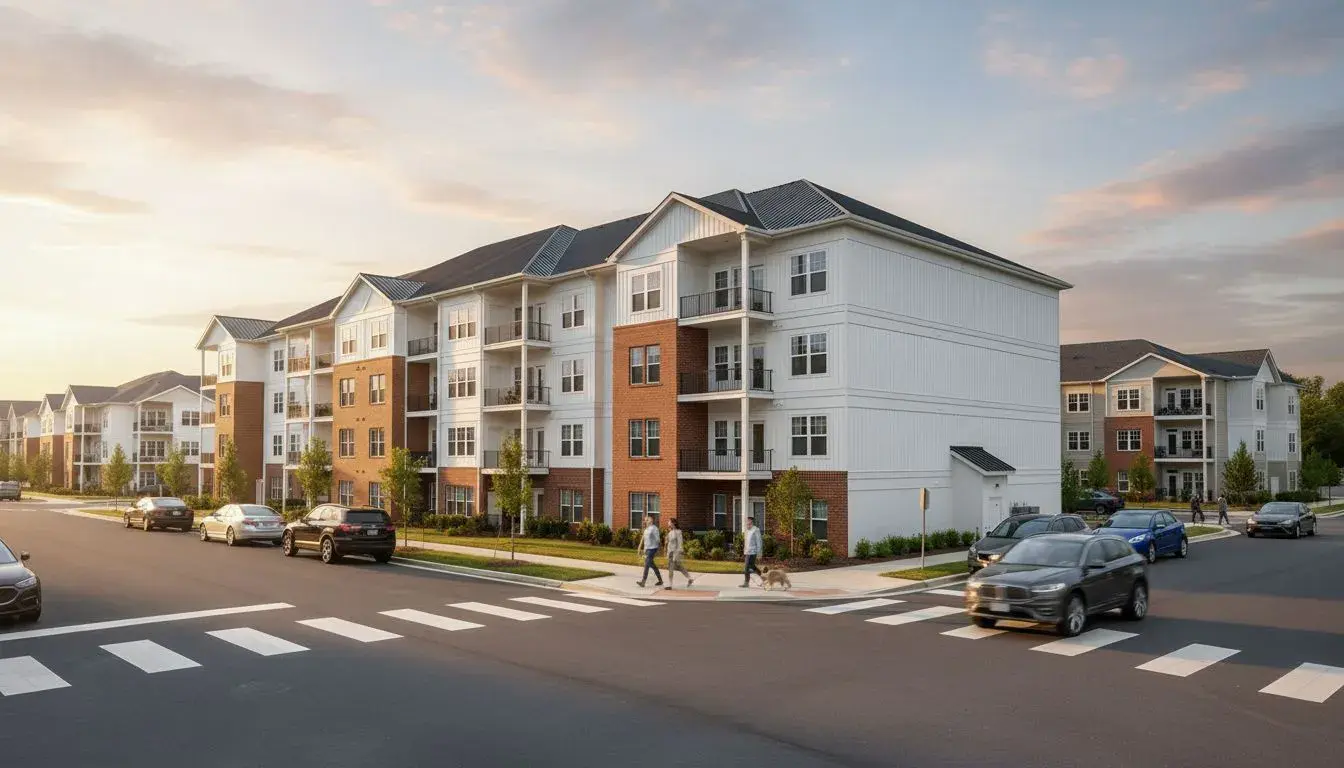
Ready to Start Using AI for Your Architectural Workflow?
Create your first architectural AI Render in 30 seconds.
No credit card required