Transform Technical Drawings into Presentation-Ready Renderings
Convert technical drawings and CAD models into professional renderings instantly.
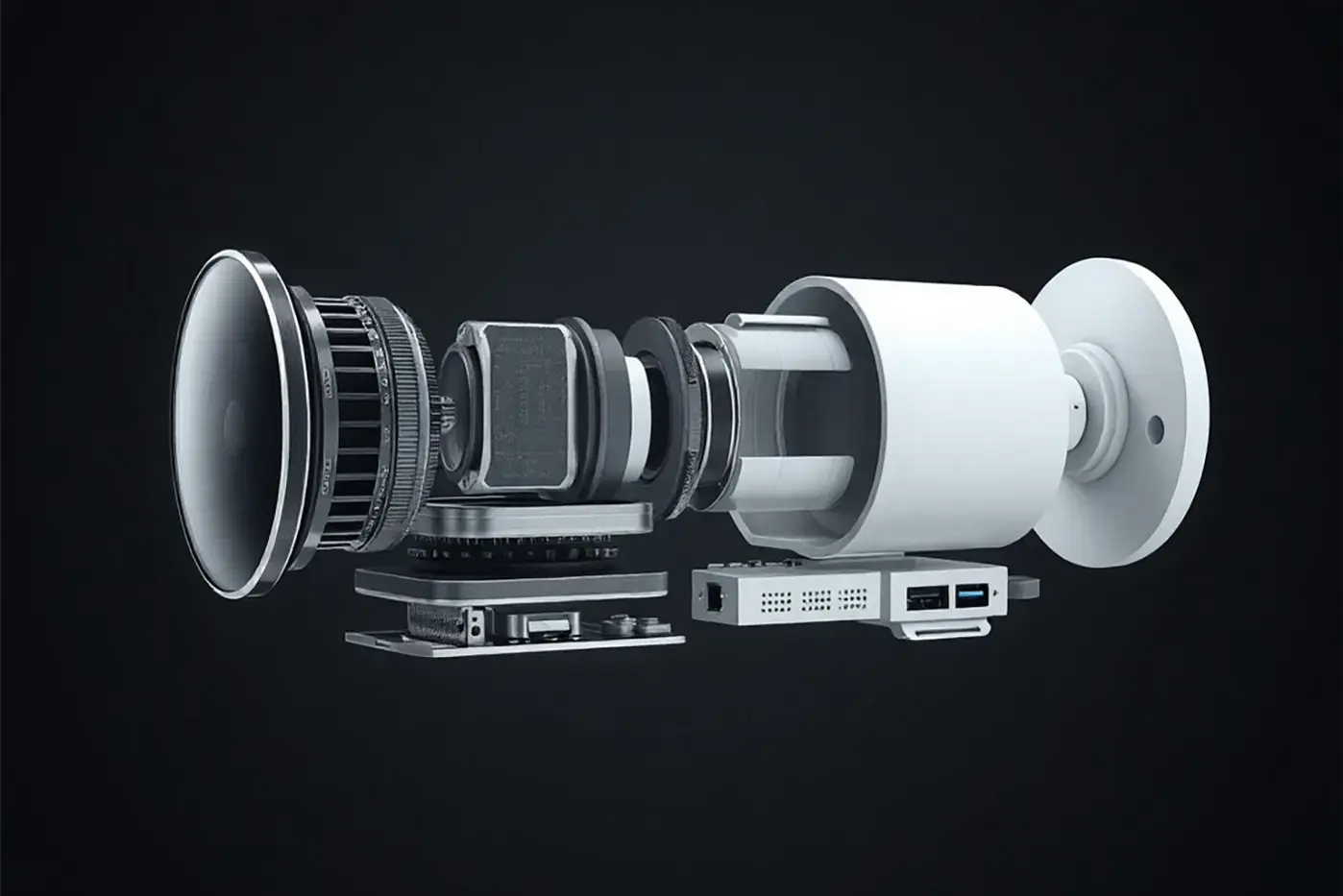
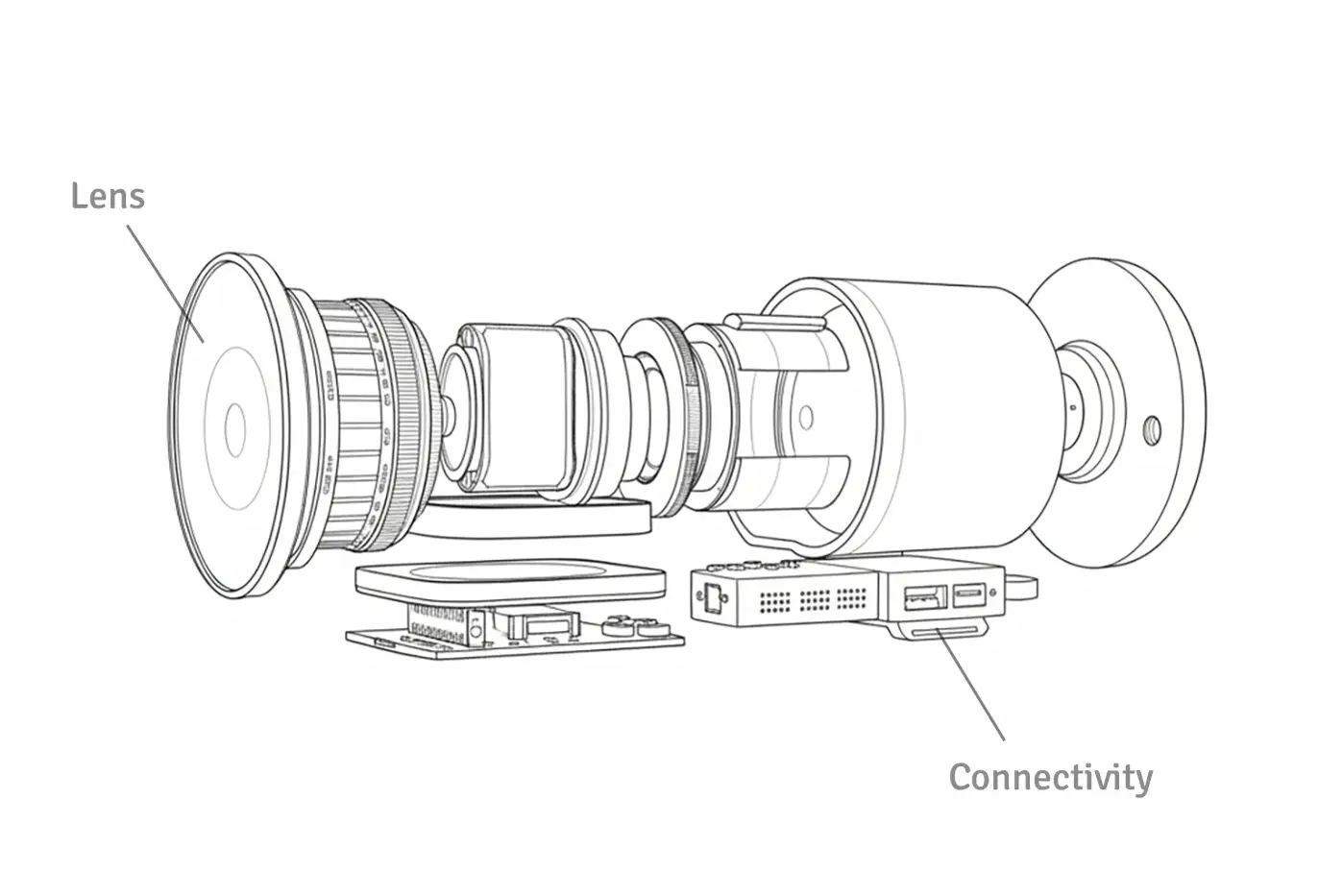
Industrial camera CAD-to-Image rendering created by Triye using RenderAI
From CAD to Stunning Visualization in Seconds
Stop spending time and money on renders. Transform CAD drawings and details into photorealistic renderings instantly—no software licenses or rendering expertise required.
Help stakeholders visualize complex engineering designs at a glance. Present proposals with confidence, accelerate approval cycles, and communicate technical concepts clearly.
Accelerate Project Approvals with AI Rendering
Create professional engineering visuals. Communicate complex designs clearly and close projects faster.
Keep Investment Low
Render in the cloud—no need for expensive hardware or software licenses.
Of Design & Prototyping
Get images of your designs before physical prototypes, saving time and materials.
On Workflows and Resources
No need for specialized rendering staff, visualization outsourcing, or infrastructure.
Frequently Asked Questions
Find answers to common questions that engineers have about AI rendering.
- RenderAI provides photorealistic visualizations suitable for engineering presentations and documentation. While the renders maintain visual accuracy, always verify technical specifications separately as RenderAI focuses on visual representation rather than technical details. You can iterate and assign visual notes to get the desired result.
- RenderAI works with screenshots and image exports from any CAD software including SolidWorks, AutoCAD, Inventor, and others. Simply take a screenshot or export an image from your CAD tool and upload it to RenderAI for instant rendering.
- RenderAI is tailored for renderings suitable for client presentations and project proposals. While CAD-to-Image rendering can create stunning images, it's not designed for technical documentation and project proposals. You can create Image-to-CAD visuals instantly to be used in projects that have high creativity allowance.
- Most renders complete in less than 15 seconds, making it ideal for rapid iteration and quick client presentations. You can create multiple variations quickly to test different concepts and styles.
- Yes. You can quickly generate multiple variations with different materials, lighting conditions, and perspectives to show various design options and get faster project approvals.
- RenderAI uses advanced visual understanding to interpret CAD models, technical drawings, and engineering sketches. You can add notes and annotations directly to your sketches to guide the AI—specify materials, highlight important features, or indicate desired lighting conditions to get more accurate renderings.
Ready to Transform Your Workflow?
Create your first engineering AI rendering instantly. Get your pro plan or try for free.