AI Rendering for Interior Design
Bring Your Designs to Life in Seconds with Accurate Interior Design AI Rendering
Visualize detailed designs before execution. Show clients multiple style options. Approve projects with certainty.
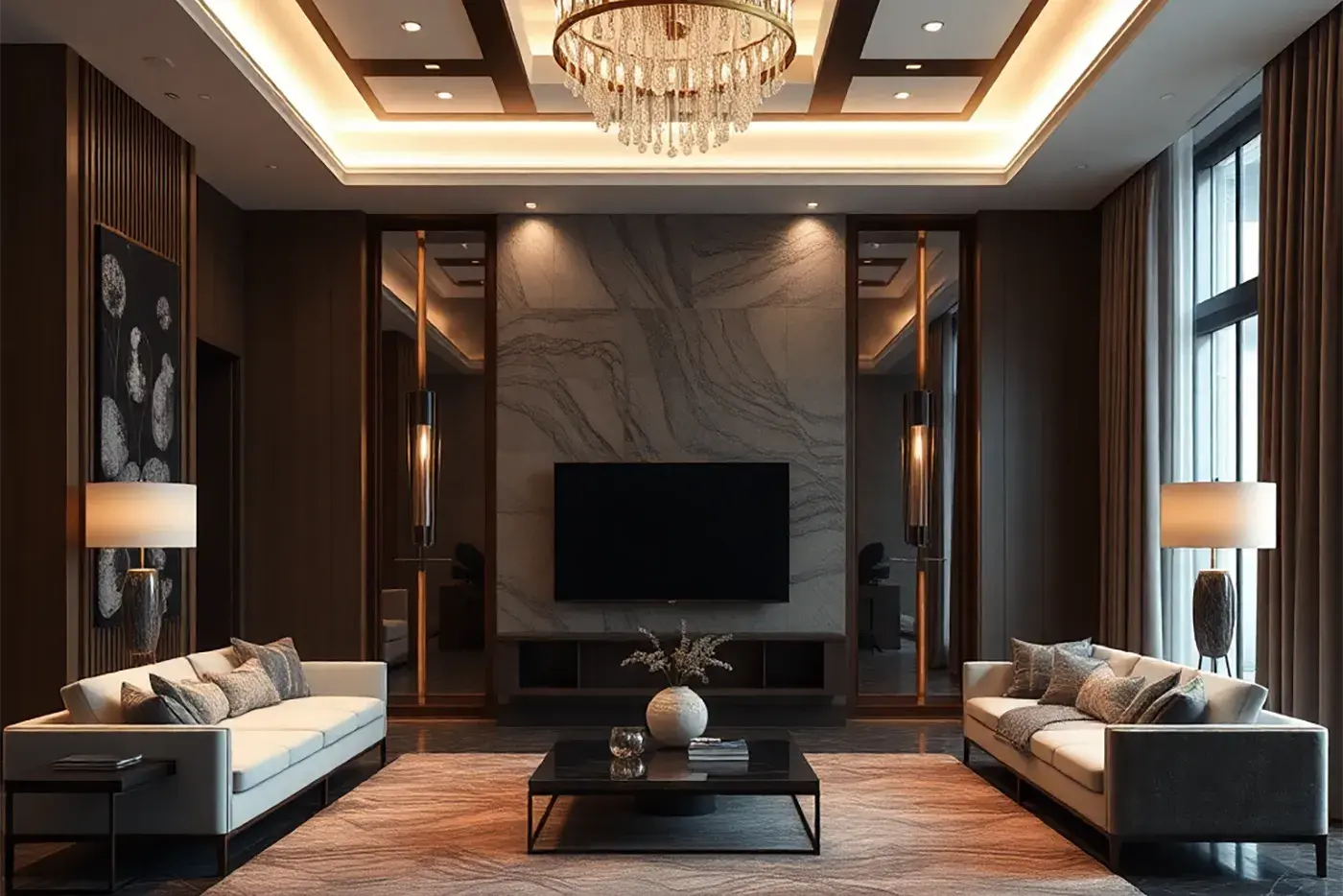
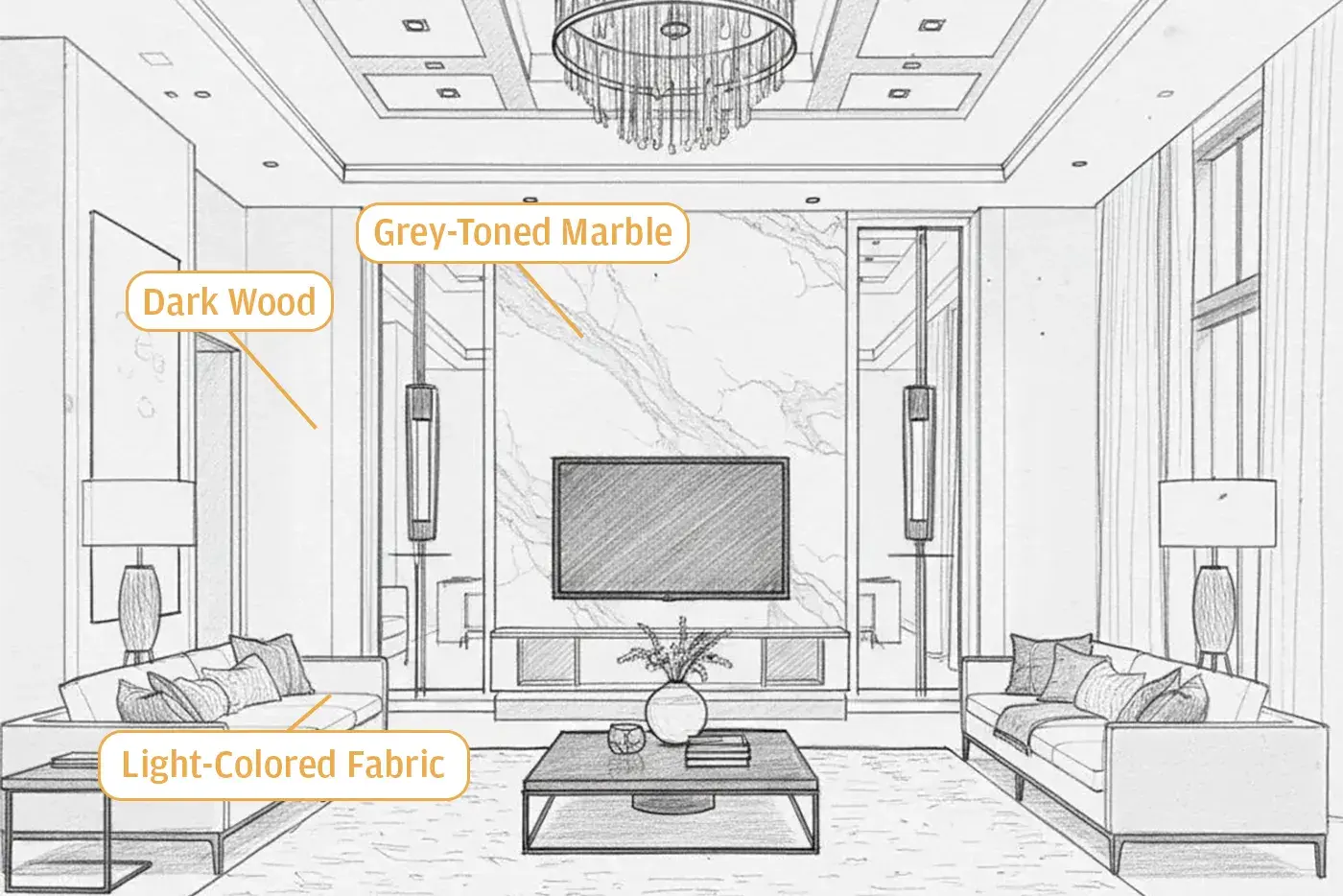
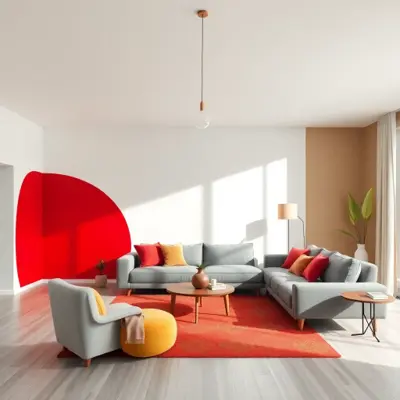
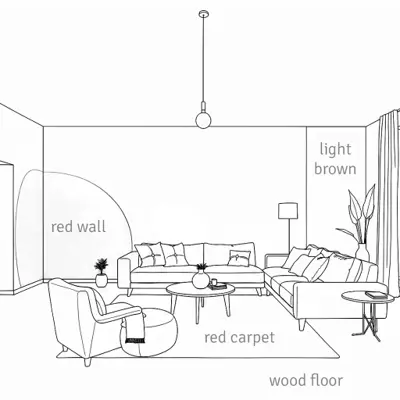
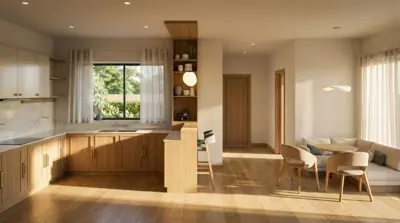
Render AI model's visual understanding lets you describe details directly as notes over the image, and get a photorealistic rendering with highly-detailed materials.
From Sketch to Stunning Visualization in Seconds
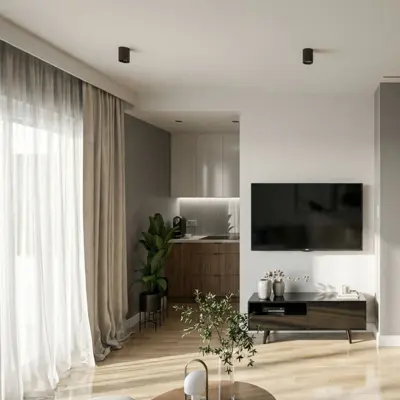
RenderAI bridges the gap between your creative vision and client expectations, turning sketches and concepts into impressive, photorealistic visualizations in seconds.
Whether you're presenting initial concepts, exploring style variations, or finalizing design details, our AI-powered rendering technology helps you communicate your ideas more effectively and close projects faster than ever before.
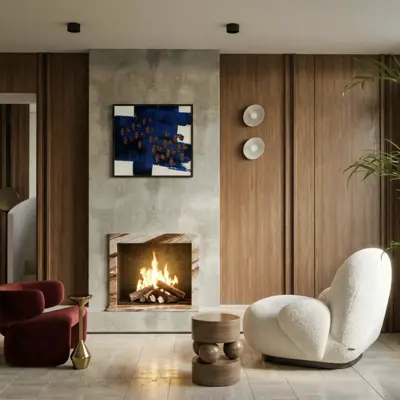
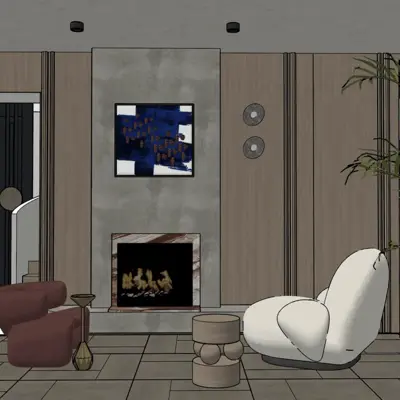
Tools
RenderAI includes a suite of tools to help you create stunning interior design & staging AI renderings.
Sketch to Render
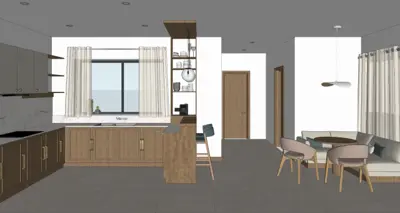
Turn hand drawn sketches, facades, or any visual illustration into a photorealistic AI rendering in seconds, without expensive software or licenses.
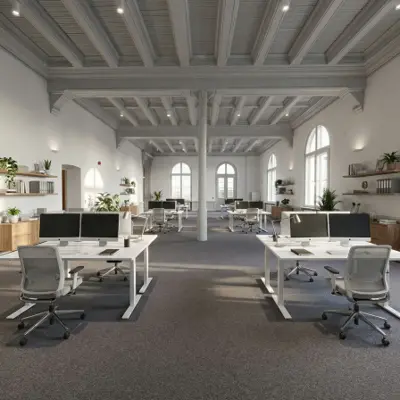
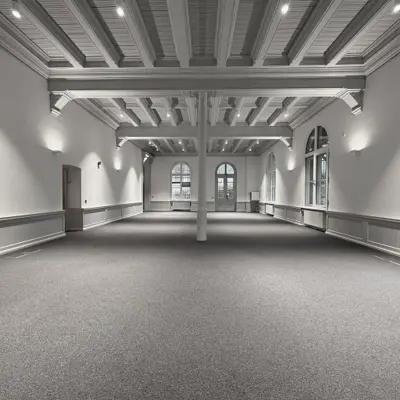
Home Staging
Virtually stage empty rooms for real estate listings — turn vacant spaces into furnished, market-ready visuals, used by real estate agents and marketing teams.
Multi Image Edit
Use a reference image to guide edits — apply a consistent style, material palette, or furniture set across your renders.
Material Edit
Swap materials and finishes on architectural renders with precision and accuracy — explore stone, wood, concrete, and any other material options instantly.
Render Enhance
Elevate the quality of existing renders — refine materials, lighting, and atmosphere, add people or change the point of view in seconds.
Upscale
Upscale any AI rendering to print resolution +6K with sharp detail — ready for presentations, portfolios, and marketing materials.
Interior Designers Recommend RenderAI
Rated Excellent on TrustPilot, and trusted by professionals and students from over +60 countries and +100 universities worldwide.
 on Trustpilot
 💬One of the best AI websites I've used so far. The customer service is outstanding.
💬One of the best apps without a doubt, one of its rendering options adapts very well to the reference text or drawing. Their support is fast, they have a lot of empathy to provide attention and they are in constant evolution and improvements in presets. Happy with the contracted service.
Design Precision with SketchUp AI Rendering Software
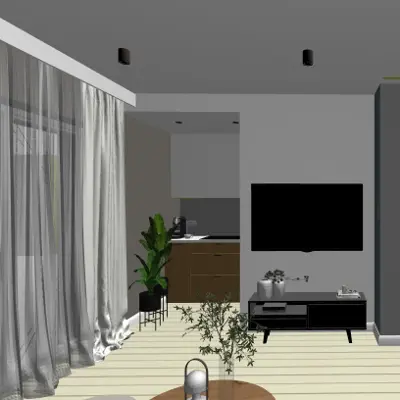
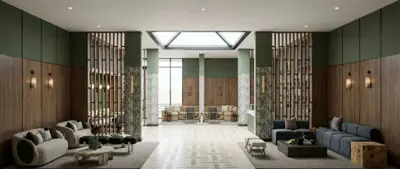
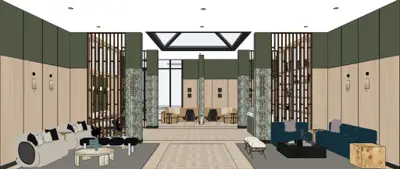
Whether you have a detailed 3D model in SketchUp or other 3D software, or working with hand-drawn sketches, you can create high-quality interior design renderings with Render AI. Explore more design options, close projects faster, and iterate with confidence.
More Visuals
Work faster and create multiple design options that you can show to current or potential clients.
Not Days
Visualize professional renderings in seconds. Avoid spending days on manual workflows and coordination.
x4 Faster
Show clients design options on real-time, get approvals x4 faster reducing coordination and delays.

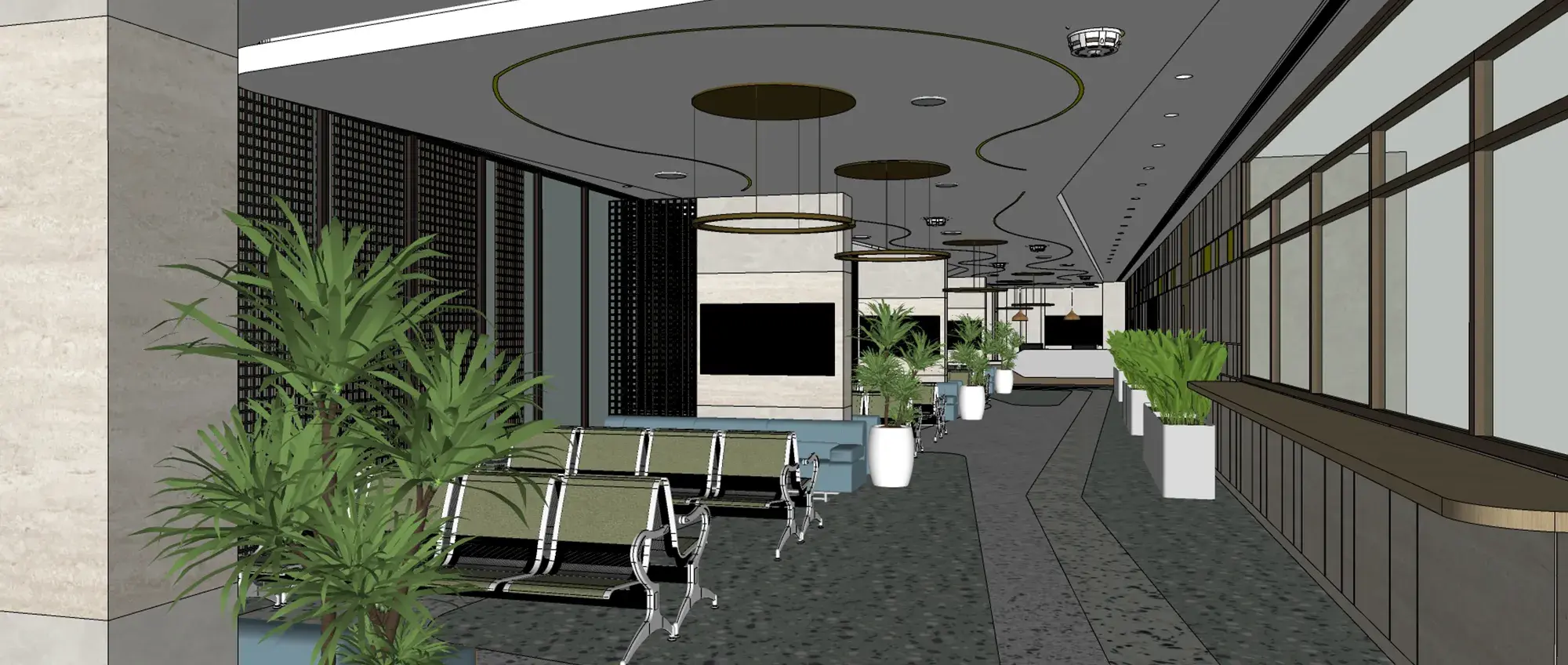
Hospital interior design rendering in 4K — from 3D model to final image. By Alisaad, using RenderAI.
Get RenderAI ProFits Into Your Workflow
Works with your favorite design tools. Seamless integration into your existing interior design process.
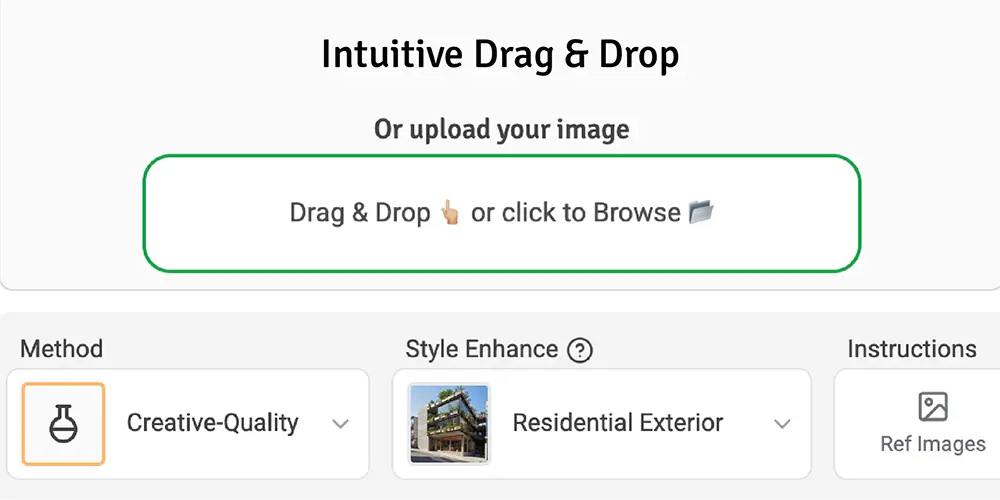
Upload your design
Start with any input: hand-drawn sketches, 3D models or photos of your space. RenderAI accepts any visual input from your existing design files from SketchUp, Rhino, Lumion, and more.
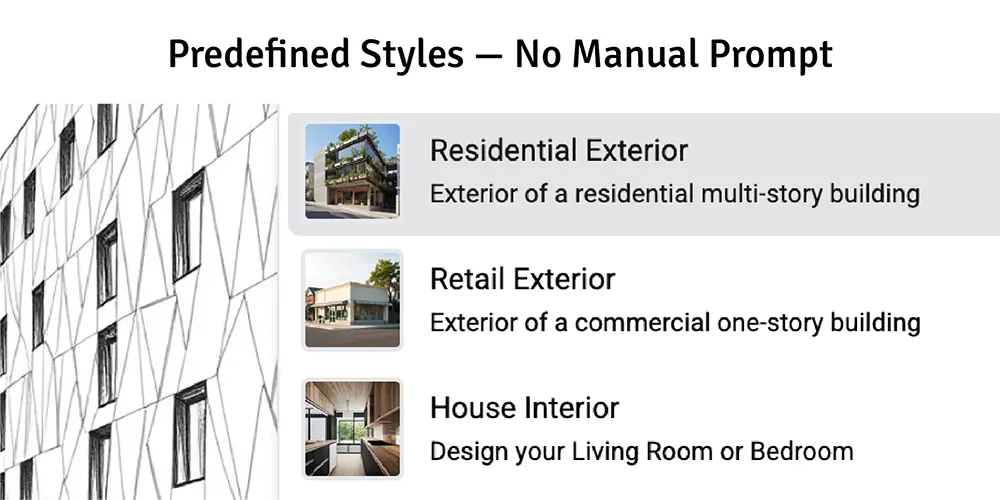
Select rendering style & options
Choose from predefined interior design rendering styles, materials, lighting conditions, and perspectives. Customize to match your design vision and presentation needs.
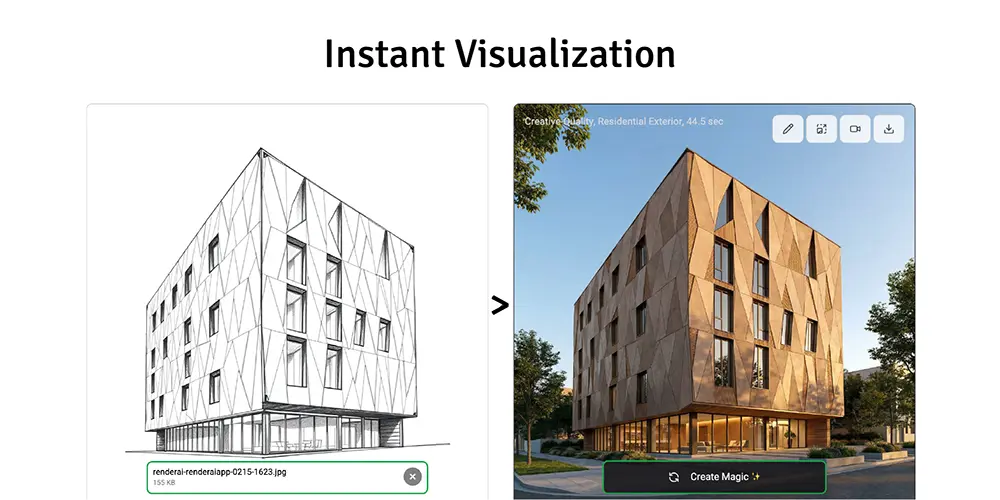
Get rendered visualization instantly
Within seconds, create a high-quality +4K resolution interior design AI rendering ready for client presentations, documentation, and approvals. No waiting, no delays.
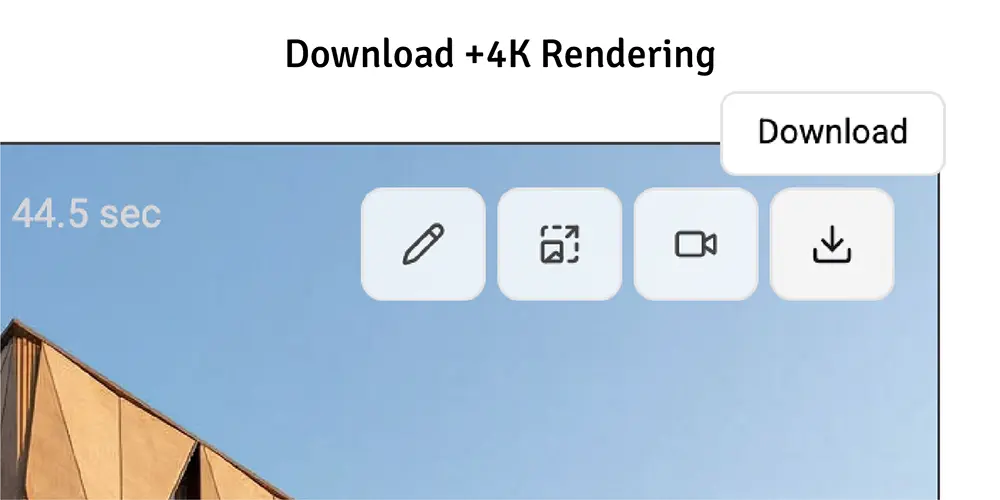
Share with clients and iterate
Download, share, or iterate. Create multiple variations quickly to show clients different design options, materials, and perspectives to get faster approvals. No watermarks, your property, commercial use included.
Frequently Asked Questions
Find answers to common questions about RenderAI for interior designers.
- RenderAI uses cutting-edge AI to generate realistic furniture, materials, and textures. While the AI creates photorealistic representations, specific brand items may vary. The renders are highly accurate for design visualization and client presentations.
- Yes! RenderAI works with your own room photos. Simply upload a photo of the space you want to redesign, and the AI will transform it with new furniture, colors, and styles while maintaining the room's structure.
- No specialized skills required. RenderAI works with simple photos, screenshots, or sketches. While having design knowledge helps, the tool is intuitive enough for anyone to create professional interior visualizations.
- Absolutely. All renders can be downloaded in high resolution and are ready for client presentations, portfolios, or marketing materials. Export formats support professional use cases.
- Most renders complete in seconds to a few minutes, depending on the rendering method you choose. Super-Fast mode provides instant results, while Fast-Definition and Creative-Quality methods take slightly longer for higher quality.
- Yes! That's one of RenderAI's key strengths. You can quickly generate multiple design variations with different styles, colors, furniture arrangements, and materials to show clients various options.
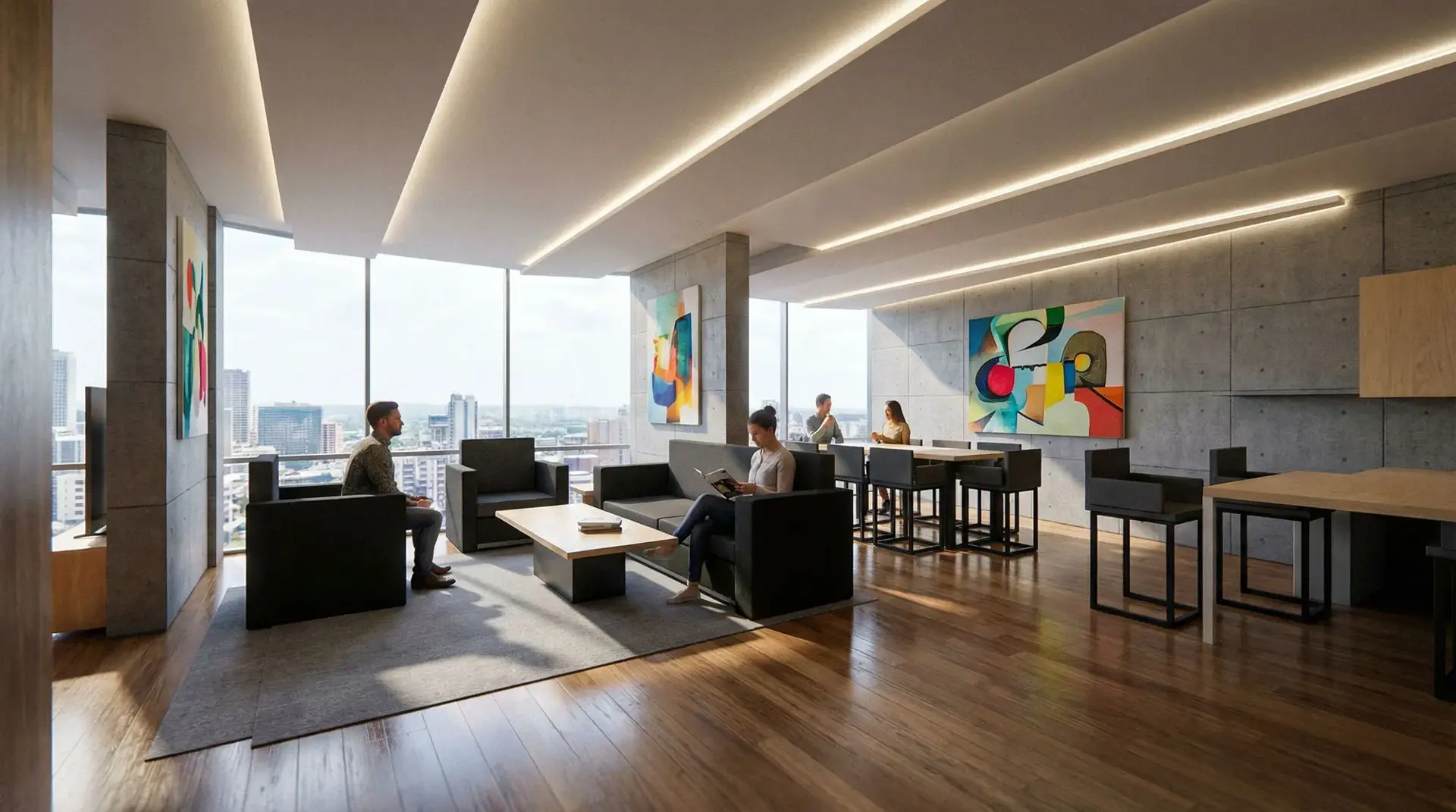
Transform Your Interior Design Workflow
Create your first interior design AI rendering in 30 seconds.
No credit card required