Built for
RenderAI
Architects and interior designers first; also product photography and real-estate visuals.
Vizcom
Product designers: industrial design, footwear, apparel, automotive and gaming. [1]
Compare / Vizcom
If you are looking for a Vizcom alternative for architecture or interior work, this page compares RenderAI and Vizcom in one place: who each one is built for, inputs, styles, video, devices and pricing, with dated sources. Vizcom is a strong tool for product design; RenderAI is built first for buildings and interiors.
Short answer
Choose Render AI if
You design buildings or interiors and want to turn sketches, photos or views exported from any software (SketchUp, Revit, Rhino, Archicad…) into photoreal renders and short videos, with architecture and interior styles, in English or Spanish, on any device. Free renders come with commercial use and no imposed watermark.
Choose Vizcom if
You are a product, footwear or automotive designer who sketches in the app, wants live rendering as you draw, and needs to turn concepts into 3D models, with enterprise security for a large team.
The biggest practical differences:
Taken from each product's public pages. Numbers in brackets point to the sources under the table.
| Dimension | RenderAI | Vizcom |
|---|---|---|
| Built for | Architects and interior designers first; also product photography and real-estate visuals. | Product designers: industrial design, footwear, apparel, automotive and gaming. [1] |
| Built-in styles | Architecture and interior styles: exteriors, interiors, garden, floor plans, night, seasons, watercolor and more. | Product and automotive styles; custom styles trained on 4 to 30 of your images. [2] [3] |
| Inputs | Any image: sketches, photos, renders, and views exported or screenshotted from any 3D software. JPG, PNG, WebP, HEIC up to 5 MB. | Sketches drawn in the app, photos, and 3D models in GLB, GLTF, OBJ, FBX or STL. [4] |
| Free plan | Free tokens for renders, with commercial use and no imposed watermark. | 800 credits a month, 10 files, 1 seat. [5] |
| Paid entry | Starter $13/mo; Creator Pro $39/mo. | Professional $49 per user a month; yearly billing at a discount. [5] |
| Video | Animate: 5 to 30 seconds, up to 1080p, on Creator Pro and Premium Pro. | Animate: shots up to 15 seconds. [6] |
| Devices | Browser on desktop, tablet and phone. | Browser app, plus desktop apps for Mac and Windows. [7] |
| Languages | English and Spanish. | English (site and docs). [1] |
RenderAI
Architects and interior designers first; also product photography and real-estate visuals.
Vizcom
Product designers: industrial design, footwear, apparel, automotive and gaming. [1]
RenderAI
Any image: sketches, photos, renders, and views exported or screenshotted from any 3D software. JPG, PNG, WebP, HEIC up to 5 MB.
Vizcom
Sketches drawn in the app, photos, and 3D models in GLB, GLTF, OBJ, FBX or STL. [4]
RenderAI
Free tokens for renders, with commercial use and no imposed watermark.
Vizcom
800 credits a month, 10 files, 1 seat. [5]
RenderAI
Starter $13/mo; Creator Pro $39/mo.
Vizcom
Professional $49 per user a month; yearly billing at a discount. [5]
RenderAI
Animate: 5 to 30 seconds, up to 1080p, on Creator Pro and Premium Pro.
Vizcom
Animate: shots up to 15 seconds. [6]
RenderAI
Browser on desktop, tablet and phone.
Vizcom
Browser app, plus desktop apps for Mac and Windows. [7]
RenderAI
English and Spanish.
Vizcom
English (site and docs). [1]
Sources
RenderAI figures come from our pricing page (list prices in USD).
Key differences across focus, inputs, styles, video, teams and pricing.
| Dimension | RenderAI | Vizcom |
|---|---|---|
| Primary focus | Browser-based AI rendering built first for architects and interior designers, also used for product photography and real-estate visuals. | AI design platform for product designers: sketch, render, variations, 3D models and animation in one place. |
| Starting point | An image: a hand sketch, a site photo, a render, or a view exported from SketchUp, Revit, Rhino, Archicad or any other software. | A sketch drawn in Vizcom, a photo, or a 3D model imported as GLB, GLTF, OBJ, FBX or STL. |
| Styles | Architecture and interior styles (exteriors, interiors, garden, floor plans, night, seasons, watercolor), plus a free-text instructions box. | Product and automotive styles, plus custom styles trained on 4 to 30 of your own images. |
| Speed | Most renders take seconds to about a minute; each method shows its speed and token cost before you run it. | Live Render on Professional: the image updates as you draw, prompt and edit. |
| Video | Animate turns a sketch, image or render into a 5 to 30 second clip, up to 1080p, on Creator Pro and Premium Pro. | Animate with key frames, turntable and custom modes; shots up to 15 seconds. |
| Free plan | Free tokens for renders, with commercial use and no imposed watermark. | 800 credits a month, 10 files and 1 seat. |
| Presenting and teams | Boards: an infinite canvas to arrange renders and present options. Made for individuals and small teams. | Workbench infinite canvas with real-time co-editing and comments. Paid Admin and Editor seats, free Viewer seats; SSO and audit logs on Enterprise. |
| Devices | Browser on desktop, tablet and phone; nothing to install. | Browser app plus desktop apps for Mac and Windows. |
| Languages | English and Spanish interface, support and guides. | English site and docs. |
| Pricing model | Plans with a monthly token allowance, from $13 a month for one person; yearly options. | Professional at $49 per user a month with 20,000 credits; Enterprise on request; free Education plan. |
RenderAI
Browser-based AI rendering built first for architects and interior designers, also used for product photography and real-estate visuals.
Vizcom
AI design platform for product designers: sketch, render, variations, 3D models and animation in one place.
RenderAI
An image: a hand sketch, a site photo, a render, or a view exported from SketchUp, Revit, Rhino, Archicad or any other software.
Vizcom
A sketch drawn in Vizcom, a photo, or a 3D model imported as GLB, GLTF, OBJ, FBX or STL.
RenderAI
Architecture and interior styles (exteriors, interiors, garden, floor plans, night, seasons, watercolor), plus a free-text instructions box.
Vizcom
Product and automotive styles, plus custom styles trained on 4 to 30 of your own images.
RenderAI
Most renders take seconds to about a minute; each method shows its speed and token cost before you run it.
Vizcom
Live Render on Professional: the image updates as you draw, prompt and edit.
RenderAI
Animate turns a sketch, image or render into a 5 to 30 second clip, up to 1080p, on Creator Pro and Premium Pro.
Vizcom
Animate with key frames, turntable and custom modes; shots up to 15 seconds.
RenderAI
Free tokens for renders, with commercial use and no imposed watermark.
Vizcom
800 credits a month, 10 files and 1 seat.
RenderAI
Boards: an infinite canvas to arrange renders and present options. Made for individuals and small teams.
Vizcom
Workbench infinite canvas with real-time co-editing and comments. Paid Admin and Editor seats, free Viewer seats; SSO and audit logs on Enterprise.
RenderAI
Browser on desktop, tablet and phone; nothing to install.
Vizcom
Browser app plus desktop apps for Mac and Windows.
RenderAI
English and Spanish interface, support and guides.
Vizcom
English site and docs.
RenderAI
Plans with a monthly token allowance, from $13 a month for one person; yearly options.
Vizcom
Professional at $49 per user a month with 20,000 credits; Enterprise on request; free Education plan.
RenderAI is a browser-based AI visualization platform that lets architects, interior designers, product designers, engineers, and real-estate teams turn sketches, drawings, 3D views, or photos into photorealistic renders in seconds, plus short videos on Creator Pro and Premium Pro. Users work directly in the browser (on desktop, tablet, or phone) with no render engine to configure, or from inside Rhino with our plugin.
The product is deliberately designed so you don’t need to manage AI models or engineer prompts: you upload material, choose a few clear settings, and RenderAI handles the complexity under the hood while keeping outputs aligned with your design intent. All plans include rights for personal and commercial use of generated images and videos, and renders are delivered without imposed watermarks, making it easy to trial RenderAI on real client work and marketing materials from the first day.
Explore role-specific workflows for architects and interior designers, organize ideas on Project Boards, or start from the RenderAI.app homepage.







Vizcom is an AI design platform for product designers, from Vizcom Technologies in San Francisco. Designers sketch in the app or drop in a photo or a 3D model, render it, explore variations and new views, and turn the result into a 3D model or a short animation. Its solutions pages cover industrial design, footwear, apparel, automotive and gaming, and most of its customer logos are product and car brands.
Vizcom works in the browser and as a desktop app for Mac and Windows. Teams share files in workspaces and on the Workbench, an infinite canvas with real-time co-editing; Enterprise adds SSO, audit logs and custom security. Paid plans start with Professional at $49 per user a month, and there is a free Starter plan and a free plan for students and educators.
Vizcom is one of the strongest tools for product design concepting. Live Render updates the image as you draw, Variations and New View explore form, color and other angles, and 2D to 3D turns a sketch or render into a model you can export as GLB, OBJ, FBX, STL or USDZ. It has desktop apps for Mac and Windows, exports up to 8K, a two-way plugin for Autodesk Fusion, ISO 27001 and SOC 2 Type 2 security for large teams, and a free plan for students and educators.
A closer look at styles, inputs, video and 3D, and teams.
RenderAI
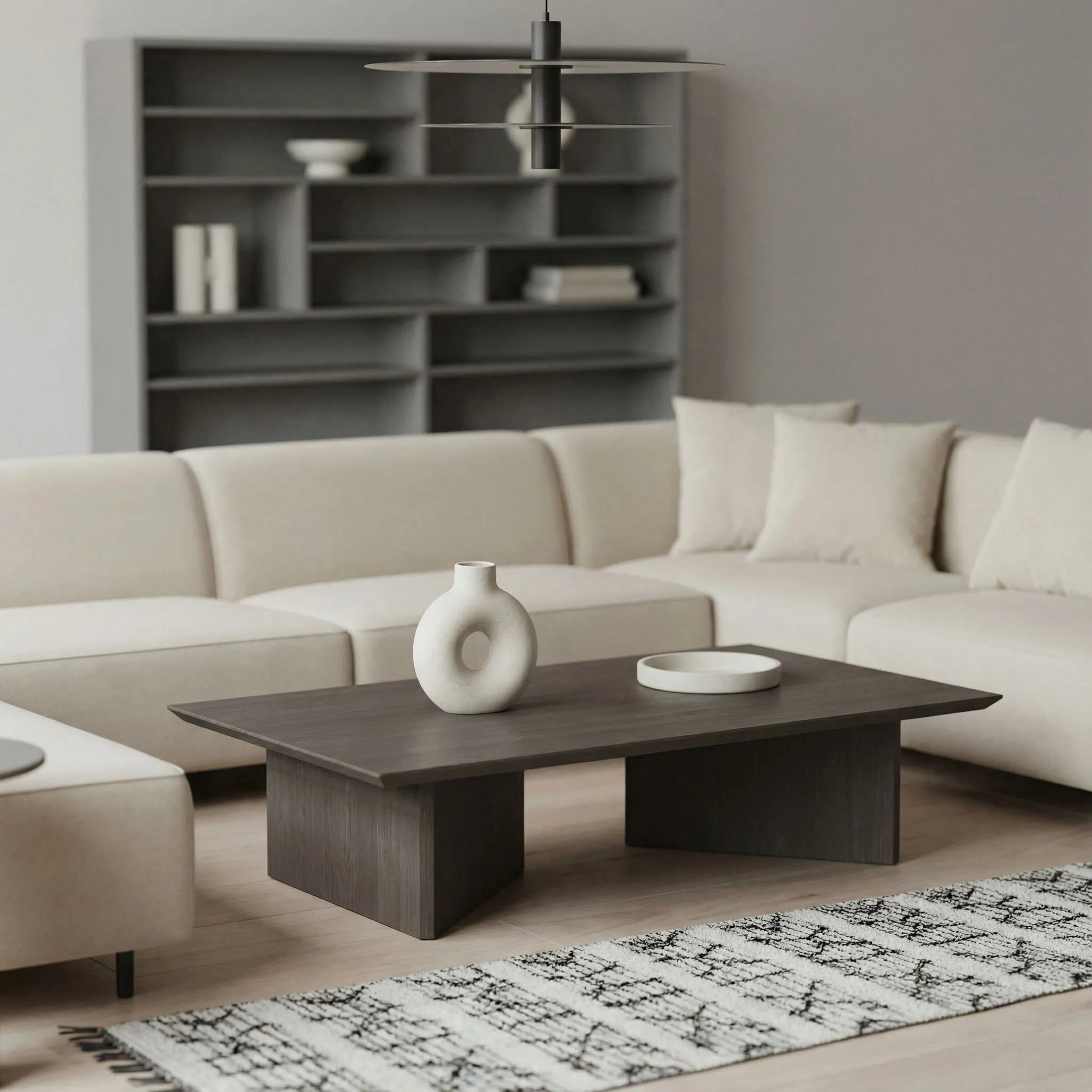
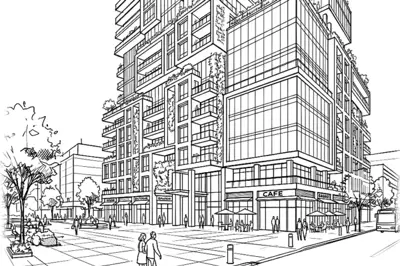
RenderAI's styles and examples are made for architecture and interiors: house, residential and retail exteriors, interiors, gardens, overhead and isometric floor plans, night and seasonal looks, watercolor. A short instruction in plain words handles the rest, such as materials, time of day or adding people. It also has product photography and studio styles for objects.
Vizcom
Vizcom's built-in styles are for products and cars (for example Volume Render, Surface Sculpt, Automotive Exterior and Automotive Interior). You can train a custom style on 4 to 30 of your own images, which can move it toward your own look, but it has no built-in architecture or interior style.
If most of your work is buildings and rooms, RenderAI starts closer to the result. If it is products, Vizcom does.
RenderAI
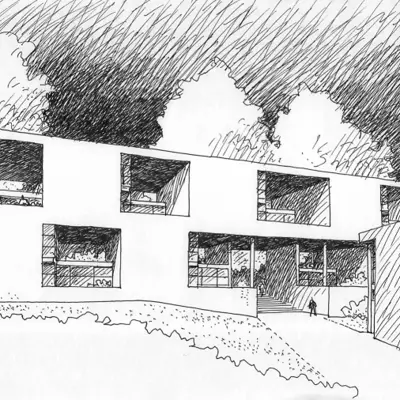
Start from what you already have: a hand sketch photographed with your phone, a site photo, a render from Enscape, Lumion or V-Ray, or a view exported from SketchUp, Revit, Rhino or Archicad. There is no file to convert, so it works with any software and any version. In Rhino, you can also use our plugin (beta).
Vizcom
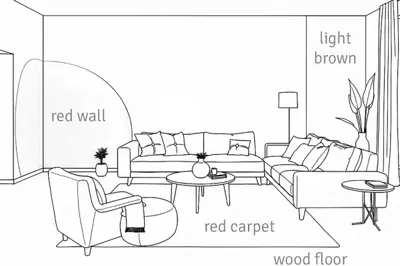
Vizcom is built around sketching in the app, with brushes, shapes, symmetry and selection tools for targeted edits. You can also drop a drawing onto a photo or import a 3D model in GLB, GLTF, OBJ, FBX or STL and sketch over it. Architecture formats such as SKP, RVT or IFC are not on its import list.
RenderAI
Animate turns a sketch, image or render into a clip of 5 to 30 seconds, up to 1080p, on Creator Pro and Premium Pro, paid with the same monthly tokens as your renders. Upscale goes up to 6K. RenderAI makes images and videos, not 3D models.
Vizcom
Vizcom's Animate makes shots up to 15 seconds with key frames, turntable and custom modes, and 2D to 3D turns a concept into a 3D model you can export. For product design, where the next step is CAD or a 3D review, that is a strong feature.
RenderAI
Boards give you an infinite canvas to arrange renders, compare options and present them to a client. RenderAI runs in the browser on desktop, tablet and phone, in English and Spanish, and suits individuals and small teams.
Vizcom
Vizcom's Workbench is an infinite canvas with real-time co-editing and comments. Teams get workspaces, paid Admin and Editor seats and free Viewer seats; Enterprise adds SSO, audit logs and custom security. It runs in the browser and as a desktop app for Mac and Windows.
List prices as of October 2026, both in USD. Prices change, so check each pricing page before you buy.
USD list prices · no imposed watermarks · commercial rights on all plans
Annual billing and checkout promos may lower the effective monthly price.
As listed on Vizcom’s pricing page, October 2026.
RenderAI plans start at $13 a month for one person, and video is part of Creator Pro. Vizcom’s paid plan is priced per user. If you work on buildings and interiors, start with RenderAI’s free plan on one of your own sketches or views. If you design products and need live rendering and 3D models, Vizcom’s Professional plan is built for that.
Architecture use, inputs, free plans and using both.
Turn sketches, drawings, models, or photos into high-resolution renders in the browser, with commercial rights from day one. Paid plans add upscaling and video.
Free tokens · No imposed watermarks · No credit card required