Free Tool · Interior Designers
Turn Any Interior Design Image into an AI Rendering Prompt (Free)
Upload a photo or render of any interior space and get a precise, model-optimized prompt ready to use with Nano Banana, Flux, or MidJourney. No manual writing, no guesswork.
By uploading an image you agree to our Terms of Service and Privacy Policy.
NSFW or sensitive content is strictly prohibited.
How it works
Three steps. No account needed.
Choose your model
Select Nano Banana, Flux, or MidJourney. The prompt format is optimized for each model's requirements.
Upload your image
Any interior photo, render, mood board, or reference image, up to 1 MB. Accepted formats: JPG, PNG, WebP, HEIC.
Get your prompt
Copy the short or verbose version and use it directly in RenderAI or any AI Rendering tool.
Why accurate descriptions matter for interior design AI rendering
Writing AI text instructions by hand rarely captures what a space actually looks like. This free tool reads the image and describes what matters for interior design AI rendering: materials, light, composition, style, and atmosphere, in the exact format each model expects.
- 01
Re-create from scratch
Feed the generated prompt into a render model to produce a new image inspired by the same concept.
- 02
Style transfer
Capture the text description of any image and then apply it to a different space or layout.
- 03
Model-specific formatting
Generic descriptions from ChatGPT or Gemini don't follow Nano Banana, Flux, or MidJourney conventions unless explicitly instructed. This tool does it for you.
- 04
Use a reference image as a prompt
RenderAI lets you upload a reference image directly, but some workflows require a text prompt instead. Convert any inspiration image into a prompt and use it wherever a direct upload isn't supported.
Image to Prompt for other disciplines
Same tool, optimized for different professional contexts
Architecture Image to Prompt
Turn any architectural photo, facade study, or competition render into an AI prompt optimized for Nano Banana, Flux, or MidJourney.
Open Free Tool →Product Design Image to Prompt
Convert product shots, furniture renders, and material studies into structured AI prompts ready to use with any model.
Open Free Tool →Frequently Asked Questions
About the Image to Prompt tool for interior designers
- Interior designers work with visual references, mood boards, and client photos constantly. Writing an effective AI prompt from scratch requires fluency with model-specific vocabulary — materials, lighting descriptors, spatial language. This tool reads your image and translates what it sees into the exact format each model expects, so you get precise AI rendering results without spending time on prompt engineering.
- The tool accepts JPG, PNG, WebP, and HEIC files up to 1 MB. For best results, use well-lit photos where materials, furniture, and spatial composition are clearly visible. Avoid heavily compressed or low-resolution images — the AI reads texture and material detail to build the prompt.
- Nano Banana uses a spatial and material-first vocabulary optimized for architectural and interior design rendering. Flux works better with natural language descriptions of materials and atmosphere. MidJourney uses a concise, comma-separated format with evocative style descriptors — it responds to mood and aesthetic keywords more than technical specifications. This tool generates a version formatted for each model's conventions so you can pick whichever matches your workflow.
- The Image to Prompt tool is free and requires no account. Once you have your prompt, you can use it inside RenderAI's Create tool or paste it into any other compatible AI rendering platform.
- Yes. The output is plain text — paste it into any AI rendering tool that accepts text input, including Midjourney, Google Gemini, or any Flux-based platform. The Nano Banana format is optimized for RenderAI, but the structure transfers well to other professional tools.
- General-purpose models describe images in conversational language. AI rendering models like Nano Banana, Flux, and MidJourney each expect prompts in a specific structure — spatial hierarchy and material descriptors for Nano Banana, natural language for Flux, concise comma-separated style keywords for MidJourney. Generic descriptions from ChatGPT or Gemini won't follow those conventions unless you explicitly instruct them. This tool formats the output for each model's requirements automatically.
- The tool is free to use with a daily limit on analyses per device. The limit resets every 24 hours, so you can come back and keep going the next day. If you need more analyses in a single session, signing in with Google or Microsoft unlocks a higher daily allowance.
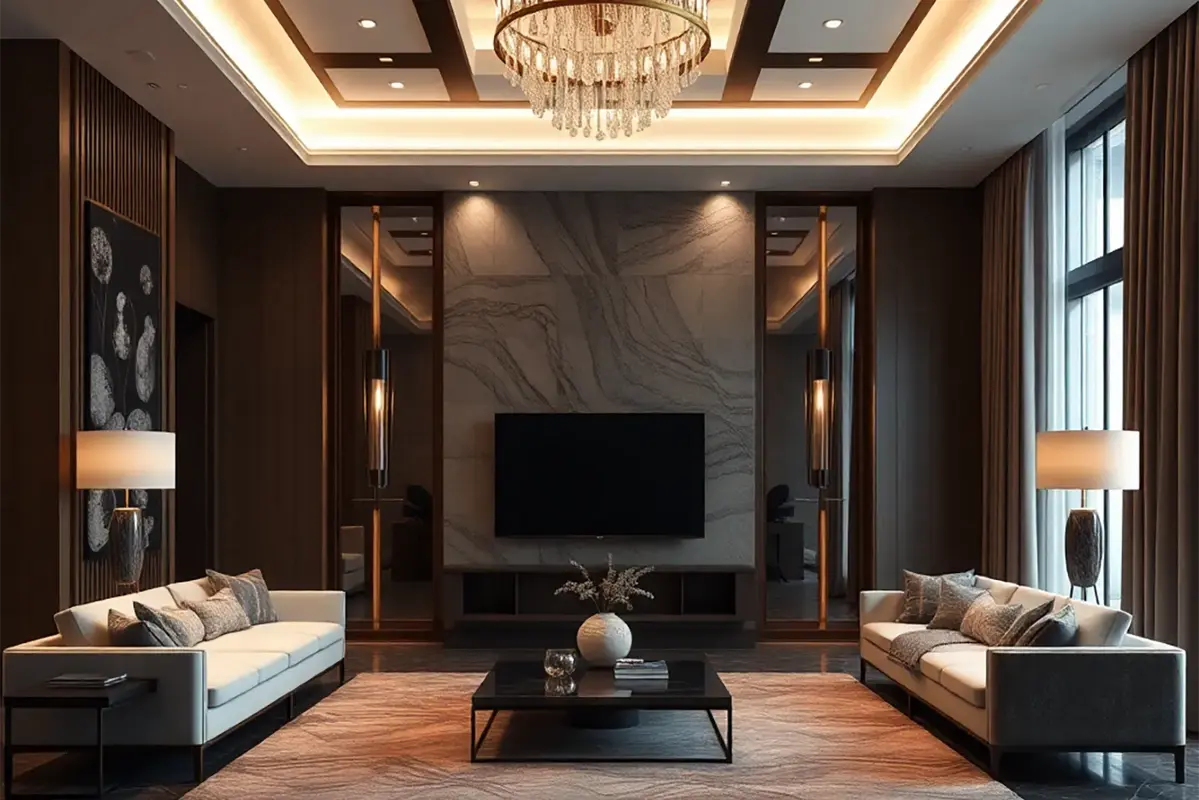
You got the prompt. Now generate the render.
Paste your interior prompt into RenderAI (or upload the mood board) and turn it into a photorealistic space visualization ready to present to clients and stakeholders.
Use prompt in RenderAI