Project Boards
AI Moodboard on an Infinite Canvas
An online moodboard for your AI renders. Drag images from your render history onto an infinite canvas, arrange and connect ideas, and export the board for client presentations.
Create Your Board for FreeWhat is RenderAI Project Boards?
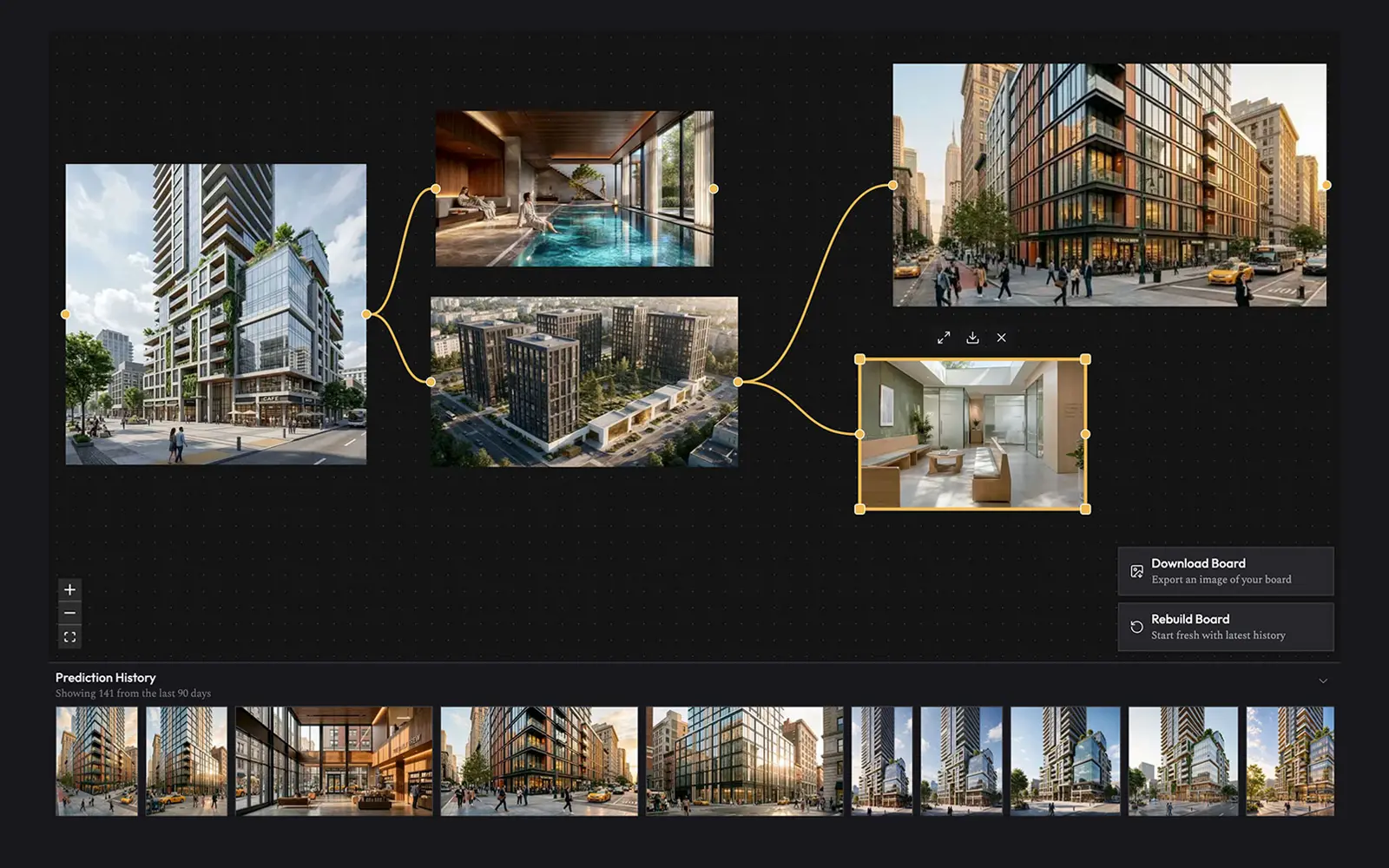
Project Boards is an infinite canvas where you organize, compare and present the renders you create with RenderAI. It has the free layout of whiteboards like Miro and FigJam and the visual focus of moodboard tools like Adobe Firefly Boards, built for AI-generated images.
The board is connected to your render history. Every sketch-to-render iteration, material study and lighting variant is one drag away. That makes it a practical moodboard tool for architects, interior designers, product designers and creative teams who work with AI visuals.
One board, many workflows
Interior moodboards, brand boards and concept references all follow the same steps: generate, drag, arrange and present.
Interior and architecture boards
Build a board per project or room. Compare facade options, material palettes and lighting studies side by side before the client meeting.
Brand and marketing moodboards
Explore campaign directions, product visuals and social content. Group the strongest concepts and export the board for stakeholders.
Product and UX concept boards
Lay out product render variants, connect iterations and keep a record of how the concept reached its final direction.
Art and inspiration boards
Keep your best AI generations in one place, with the styles, prompts and directions that worked.
Everything a moodboard needs, plus your AI renders
Boards ships with the essentials and gets new features every month.
Infinite canvas
Pan, zoom, drag and resize images on an infinite canvas. Works on desktop and on mobile with touch.
Drag and drop from your history
Your render history sits in a dock at the bottom of the board. Drag any creation onto the canvas.
Connect related ideas
Draw connectors between cards to map variants, options and design directions, from first sketch to final render.
Export your board as PNG
Export the whole board as a high-resolution image for client presentations, decks and reviews.
Upload custom images
Add external references and photos to the canvas next to your AI renders.
Notes and groups Soon
Add text notes and group cards into labeled sections, such as Option A and Option B.
Shareable board links Soon
Share a view-only version of your board with a link. Viewers do not need an account.
Multiple boards per project Soon
Create a board for each project, client or design phase and switch between them.
A Miro alternative for AI-generated images
General whiteboard tools work well for sticky notes and diagrams. With dozens of renders, you end up uploading files by hand, losing quality on paste and fighting generic frames.
In RenderAI Boards, images are the main object. Renders come in from your history at full quality, cards keep their real aspect ratio, and you can refine any image on the same platform that generated it.
Open Boards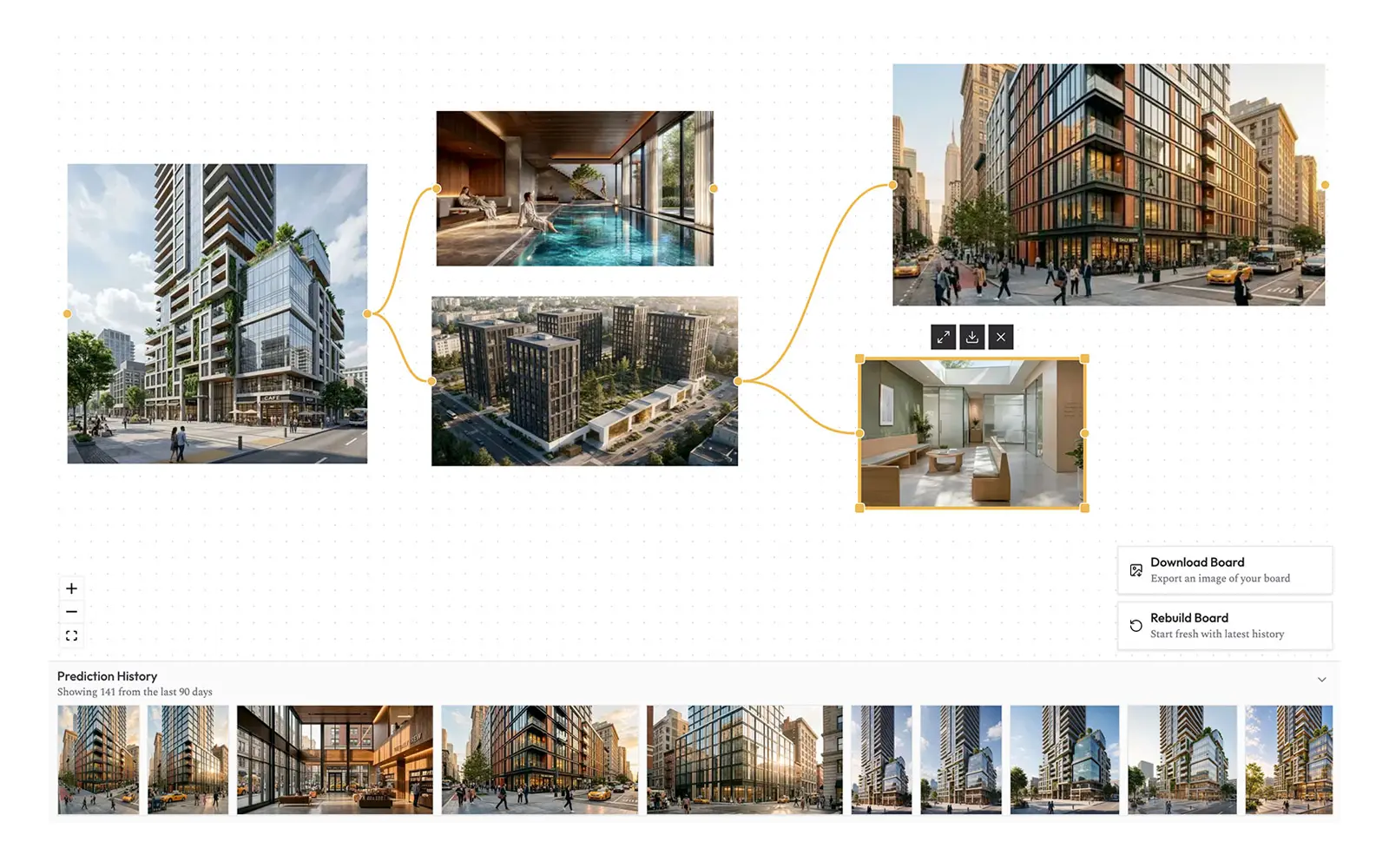
Frequently Asked Questions
About AI moodboards, image boards and how RenderAI Boards works
- An AI moodboard tool is a visual workspace where you collect, arrange and explore AI-generated images on a digital canvas. RenderAI Boards works with your own AI renders instead of stock photos. Drag creations from your history onto an infinite canvas, group ideas, connect variants and present visual directions for a project.
- Generate renders in the RenderAI Create app, then open your Board. Your latest creations appear automatically and you can drag more from the history dock onto the infinite canvas. Arrange and resize images, draw connectors between related options, and export the finished board as a PNG to share with clients or your team.
- For image-first work, yes. Whiteboards like Miro or FigJam are built around sticky notes and diagrams. RenderAI Boards is an infinite canvas made for AI-generated visuals: renders load straight from your generation history, cards keep their aspect ratio, and the board connects to the RenderAI rendering tools. Many designers use it next to a general whiteboard during the visual exploration phase.
- Today each board is private to your account, and you can share it by exporting a high-resolution PNG. Shareable board links and team collaboration are on the roadmap. Features marked as Soon on this page are in active development.
- Boards are included with every RenderAI account, including free accounts. Sign in, generate a few renders in the Create app, and your board fills with your latest creations. No extra software or license is needed.
Fill your board with renders
Boards works best with a history full of AI renders. Start with these workflows.
Create App
Generate AI renders from sketches, 3D models, photos and text prompts in seconds.
Start Creating →AI Render Enhance
Improve materials, lighting and atmosphere, then compare versions on your board.
Open Tool →AI Rendering Tools
See every rendering workflow, utility and free tool in one place.
Explore All Tools →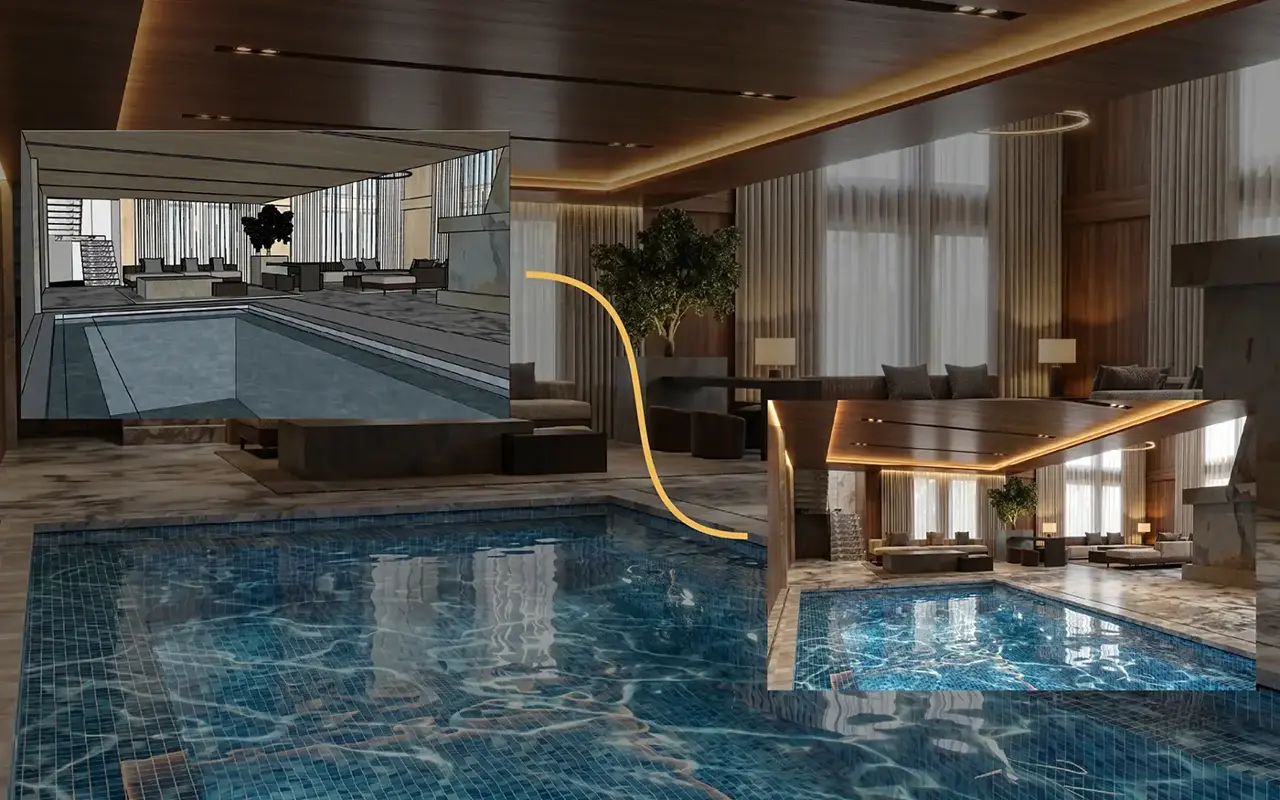
Start your first AI moodboard
Your latest renders are already waiting on the canvas. Curate, connect and export your first project board in minutes.
Open Boards