Free Tool · Product Designers
Turn Any Product Design Image into an AI Rendering Prompt (Free)
Upload a photo or render of any product, furniture piece, or industrial design object and get a precise, model-optimized prompt ready to use with Nano Banana, Flux, or MidJourney. Captures surface finish, material, lighting, and environment, automatically.
By uploading an image you agree to our Terms of Service and Privacy Policy.
NSFW or sensitive content is strictly prohibited.
How it works
Three steps. No account needed.
Choose your model
Select Nano Banana, Flux, or MidJourney. The prompt format is optimized for each model's product design rendering conventions.
Upload your image
Any product photo, render, material study, furniture detail, or prototype image, up to 1 MB. Accepted formats: JPG, PNG, WebP, HEIC.
Get your prompt
Copy the short or verbose version and use it directly in RenderAI or any AI rendering tool that accepts text prompts.
Why accurate descriptions matter for product design AI rendering
Product render quality depends on describing surface finish, material category, lighting type, and environment in the right order and vocabulary. Writing that by hand from a reference photo is slow and imprecise. This tool reads the image and outputs a structured prompt in the format each model expects.
- 01
Convert reference shots into render-ready prompts
Turn a competitor product photo, mood board image, or prototype shot into a structured prompt that AI render models can use directly. No manual translation needed.
- 02
Transfer material and finish language
Capture the exact surface character of a reference (brushed aluminum, matte lacquer, warm oak veneer) and apply it to your own model or colorway study without losing the nuance.
- 03
Model-specific formatting for product renders
Generic descriptions from ChatGPT or Gemini don't follow Nano Banana, Flux, or MidJourney conventions. Product renders require structured surface, finish, and environment descriptions. This tool generates that automatically.
- 04
Use a reference image where uploads aren't supported
RenderAI lets you upload reference images directly, but some render platforms or workflows accept only text. Convert any inspiration image into a prompt and use it wherever a direct upload isn't an option.
Image to Prompt for other disciplines
Same tool, optimized for different professional contexts
Interior Design Image to Prompt
Turn any interior photo, render, or mood board into an AI prompt optimized for Nano Banana, Flux, or MidJourney.
Open Free Tool →Architecture Image to Prompt
Turn any architectural photo, facade study, or competition render into an AI prompt optimized for Nano Banana, Flux, or MidJourney.
Open Free Tool →Frequently Asked Questions
About the Image to Prompt tool for product designers
- Product designers rely on visual references for material studies, finish exploration, and client presentations. Writing an AI render prompt that accurately captures surface quality, lighting setup, and object scale requires fluency with model-specific conventions. This tool reads your product image and translates what it sees — finish, material, environment, and light — into the exact prompt format Nano Banana, Flux, or MidJourney expects, so your render output matches the reference without manual prompt engineering.
- The tool works well with product renders, studio photography, material swatch shots, furniture detail photos, prototype images, and lifestyle reference photos. Images with clear surface finish, defined lighting, and a readable object silhouette produce the most accurate prompts. Avoid low-contrast or heavily retouched images where texture and material detail are lost — the AI needs legible surface cues to build a precise description.
- Nano Banana uses a structured vocabulary optimized for design rendering: surface finish, material category, lighting type, and environment ordered in a model-specific format. Flux responds better to flowing natural-language descriptions of material feel and visual atmosphere. MidJourney uses a concise, comma-separated format with evocative style descriptors — it rewards mood and aesthetic keywords over technical surface specifications. This tool generates a version formatted for each model's conventions so you can use whichever fits your current workflow.
- The Image to Prompt tool is free and requires no account for the first few uses. Once you have your prompt, use it inside RenderAI's Create tool or paste it into any compatible AI rendering platform.
- Yes. The AI reads surface texture (matte, gloss, brushed, raw), material category (metal, wood, ceramic, fabric, plastic), light quality (studio diffuse, hard directional, ambient), and the relationship between the object and its environment. These are the elements that define a product render's visual outcome — and the elements most commonly lost when describing an image in plain language.
- General-purpose models describe product images in conversational language without structure. Nano Banana, Flux, and MidJourney each expect prompts in a distinct format — structured surface and finish vocabulary for Nano Banana, natural language for Flux, concise comma-separated style keywords for MidJourney. A generic ChatGPT description rarely follows any of those conventions and requires significant manual editing before it's usable. This tool generates structured, model-ready output automatically.
- The tool is free to use with a daily limit on analyses per device. The limit resets every 24 hours, so you can come back and keep going the next day. If you need more analyses in a single session, signing in with Google or Microsoft unlocks a higher daily allowance.
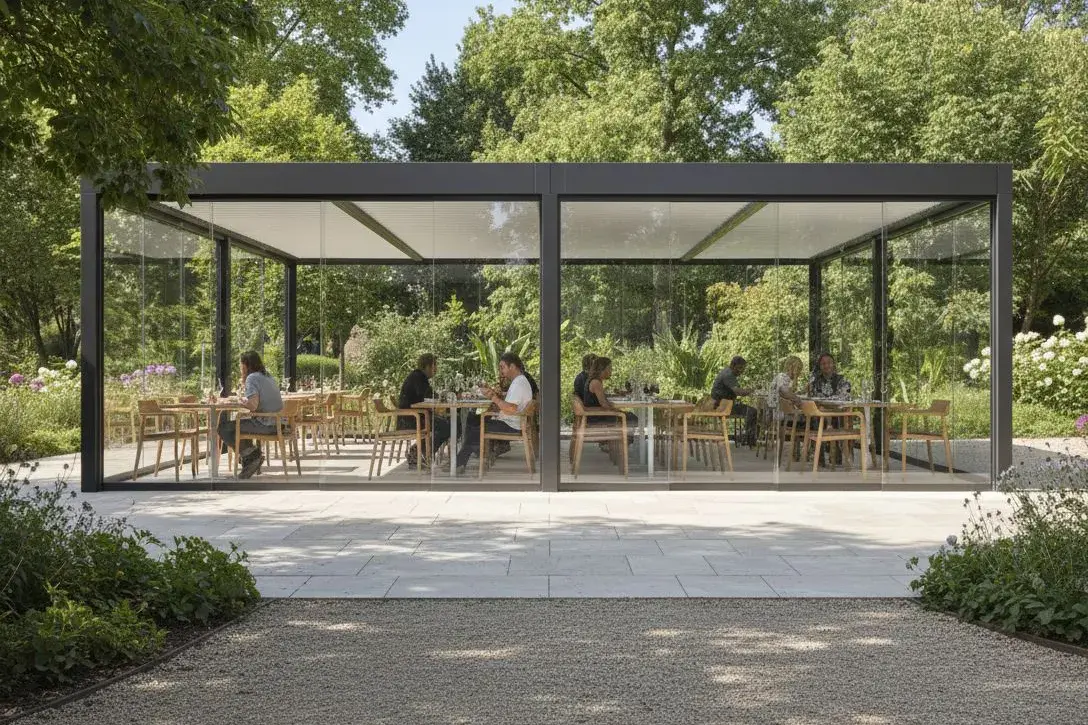
You got the prompt. Now generate the render.
Paste your product prompt into RenderAI (or upload the reference shot) and turn it into a photorealistic product visualization ready to present.
Use prompt in RenderAI