Top 15 AI Video Models 2026: Best Image-to-Video Tools for Architects, Designers & Marketers

Architects, designers, and marketers can now communicate their vision different. By 2026, AI image to video animations have matured from experimental prototypes into professional-grade tools that transform static architectural renders into compelling, dynamic presentations. This breakthrough eliminates the weeks of animation work traditionally required to bring designs to life.
Today’s AI-powered video models generate photorealistic motion in seconds, all based on existing renders, sketches, or photographs. No specialized animation software, no complex 3D modeling, and no expensive post-production teams required. High-quality video content creation enables professionals of all sizes to compete with larger firms through superior visual storytelling.
This comprehensive guide explores the state-of-the-art image-to-video models of 2026, providing detailed comparisons, quality ratings, and practical recommendations tailored to architectural, interior design, and marketing workflows.
This post was updated on March 16, 2026
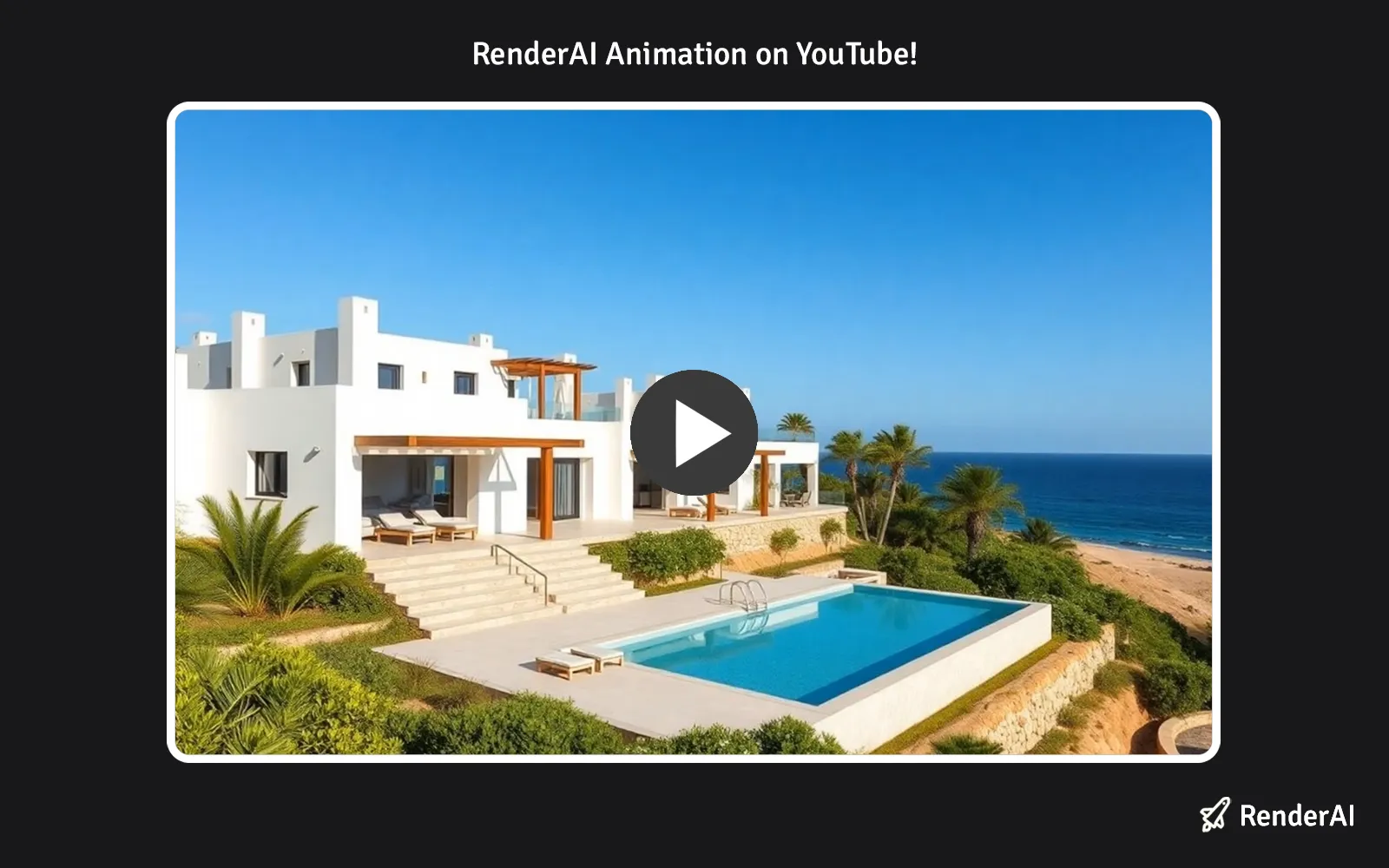
Animate a 3D rendering using RenderAI. Example of a luxury villa by RP.
Why Video Changes Everything in Architecture and Design
Static renders have been the standard for decades, but they have limitations. Clients struggle to understand spatial relationships from 2D images. Marketers need dynamic content that stops the scroll and captures attention. Designers want to communicate motion, spatial relationships, and lighting changes that images simply can’t convey. Social media platforms demand high-quality visuals and set the bar very high.
Video fills this gap. A 5-10 second video of a space—panning through a room, revealing materials, or showing how light interacts with surfaces—tells a story that images can’t. The challenge? Creating these videos traditionally takes weeks and requires 3D modeling expertise.
AI image-to-video models solve this problem. They take your existing renders, sketches, or photography, and automatically generate smooth, photorealistic video sequences. No animation software. No 3D model setup. No weeks of rendering time. Compare these with other leading AI models in our ChatGPT vs Stable Diffusion 3 vs Google Imagen 3 analysis.
Comparing the Leading Models
Here’s a comprehensive comparison of the state-of-the-art image-to-video models available in 2026. Each model includes quality ratings specifically calibrated for architectural, interior design, and marketing use cases.
| Model | Resolution | Duration | Quality Rating (1-5) | Best For | Key Features |
|---|---|---|---|---|---|
| Kuaishou Kling 3.0 | 1080p, 4K | 5-20s | ⭐⭐⭐⭐⭐ 4.9 | Broadcast & premium presentations | Native 4K @ 60fps, extended duration, multi-shot (up to 6 cuts), audio sync, physics-aware motion |
| Google Veo 3.1 | 720p, 1080p | 4-8s | ⭐⭐⭐⭐⭐ 4.8 | Premium architectural work | Enhanced image-to-video, audio sync, reference images, frame-to-frame consistency |
| Google Veo 3 | 720p, 1080p | 8s | ⭐⭐⭐⭐⭐ 4.7 | Client presentations | State-of-art quality, audio generation, reference image support |
| Bytedance Seedance 1 Pro | 480p, 720p, 1080p | 5-10s | ⭐⭐⭐⭐⭐ 4.6 | Multi-shot architectural narratives | High-quality image-to-video, multi-shot support, cinematic depth |
| Kuaishou Kling 2.1 Master | 1080p | 5-10s | ⭐⭐⭐⭐⭐ 4.6 | Professional-grade production | Highest quality, precise prompt interpretation |
| Kuaishou Kling 2.5 Turbo Pro | 720p, 1080p | 5-10s | ⭐⭐⭐⭐☆ 4.5 | High-quality with speed | Pro-level consistency, smooth motion, cinematic depth |
| Google Veo 3.1 Fast | 720p, 1080p | 4-8s | ⭐⭐⭐⭐☆ 4.5 | Quick iterations | Fast variant with audio sync, maintains quality |
| Kuaishou Kling 2.1 | 720p, 1080p | 5-10s | ⭐⭐⭐⭐☆ 4.4 | Versatile architectural work | Good quality, multiple resolution options |
| Runway Gen-4 Turbo | 720p | 5-10s | ⭐⭐⭐⭐☆ 4.4 | Budget-conscious studios | Fast turbo model, visual references, dynamic motion |
| Minimax Hailuo 02 (1080p) | 1080p | 6s | ⭐⭐⭐⭐☆ 4.4 | Full HD architectural detail | Pro quality, improved physics, strong instruction following |
| PixVerse v5 (1080p) | 1080p | 5-8s | ⭐⭐⭐⭐☆ 4.4 | Premium quality at competitive value | Globally ranked first for image-to-video consistency, excellent color preservation |
| Luma Ray 2 | 540p, 720p | 5-9s | ⭐⭐⭐⭐☆ 4.3 | Smooth, natural motion | High quality, physics-based simulations, longer generation times |
| PixVerse v5 (720p) | 720p | 5-8s | ⭐⭐⭐⭐☆ 4.3 | Quick turnarounds | Fast generation, consistent color and style across frames |
| Minimax Hailuo 02 (768p) | 768p | 6-10s | ⭐⭐⭐⭐☆ 4.3 | Complex architectural scenes | Improved physics, instruction following, multi-modal input |
| Minimax Hailuo 2.3 | 768p, 1080p | 6-10s | ⭐⭐⭐⭐☆ 4.2 | Realistic motion rendering | Visual consistency, realistic motion across frames |
| Seedance 1 Lite | 480p, 720p, 1080p | 5-10s | ⭐⭐⭐⭐☆ 4.0 | Budget-friendly projects | Fast and affordable, multiple resolutions available |
| PixVerse v4.5 (1080p) | 1080p | 5-8s | ⭐⭐⭐⭐☆ 4.2 | Premium production | Premium quality, stable motion rendering |
Note: Quality ratings (1-5 scale) evaluate temporal consistency, prompt adherence, and visual fidelity—key factors for architectural visualization. Some details such as seconds might vary depending on model and platform.
Understanding AI Video Quality Ratings
When evaluating image-to-video models for professional work, quality ratings reflect specific architectural, interior design, or marketing needs. We have a dedicated guide talking about on AI Rendering Tools for Architecture and Product Design:
4.5-5.0 (Excellent): Exceptional frame-to-frame consistency, precise visual fidelity, and strong reference image stability. Ideal for client-facing work, premium presentations, and projects where every frame matters.
4.0-4.4 (Very Good): Strong consistency with minimal artifacts, reliable object preservation, and solid prompt interpretation. Perfect for most professional architectural workflows and marketing content.
Below 4.0 (Good): Solid performance for simpler scenes and rapid prototyping. May show occasional frame-to-frame instability in complex geometries or detailed architectural elements.
Choosing the Right Model for You
For Architects
As an architect, you need models that understand spatial relationships, lighting, and material consistency. Your priority is preserving the integrity of your design through video.
Top picks:
- Kling 3.0 (Quality: 4.9) – Stunning 4K output and extended duration (up to 20s) with multi-shot storyboarding (up to 6 camera cuts). Ideal for broadcast-grade and premium client presentations.
- Google Veo 3.1 (Quality: 4.8) – The gold standard for reference control. Superior reference image support lets you pin specific materials, lighting conditions, and spatial relationships. Perfect for concept presentations and client reviews.
- Kling 2.5 Turbo Pro (Quality: 4.5) – Maintains source composition and lighting details while adding realistic motion. Excellent value for architectural accuracy without premium pricing.
- Seedance 1 Pro (Quality: 4.6) – Multi-shot support lets you create narrative sequences of entire spaces. Ideal for walkthrough-style presentations.
Use case: Generate a 6 or 10 second video of your project, panning through spaces while maintaining exact material finishes and lighting conditions from your rendering. A starting point could be the one defined in Exploring the Sketch-to-Render Process Using Midjourney AI to create the perfect input renders.
For Interior Designers
Interior designers benefit from models that preserve accuracy, material texture consistency, and spatial flow. You need videos that help clients visualize transformations and see themselves in spaces. People and object movements such as courtains or doors must be coherent with the space.
Top picks:
- PixVerse v5 (1080p) (Quality: 4.4) – Globally ranked first for interior visualization consistency. Preserves color accuracy and material texture across frames, crucial for showing furniture, finishes, and décor accurately.
- Kling 2.1 (Quality: 4.4) – Strong performance on residential spaces and interior details. Multiple resolution options support different project needs.
- Luma Ray 2 (Quality: 4.3) – Natural motion rendering makes virtual tours feel realistic and immersive. Excellent for showcasing space transformations.
Use case: Orbit a space with before-and-after transformation of a room, with realistic movement through the space that helps clients visualize the design in their home. Explore more about specialized tools for interior design in our Top AI Interior Rendering Tools guide.
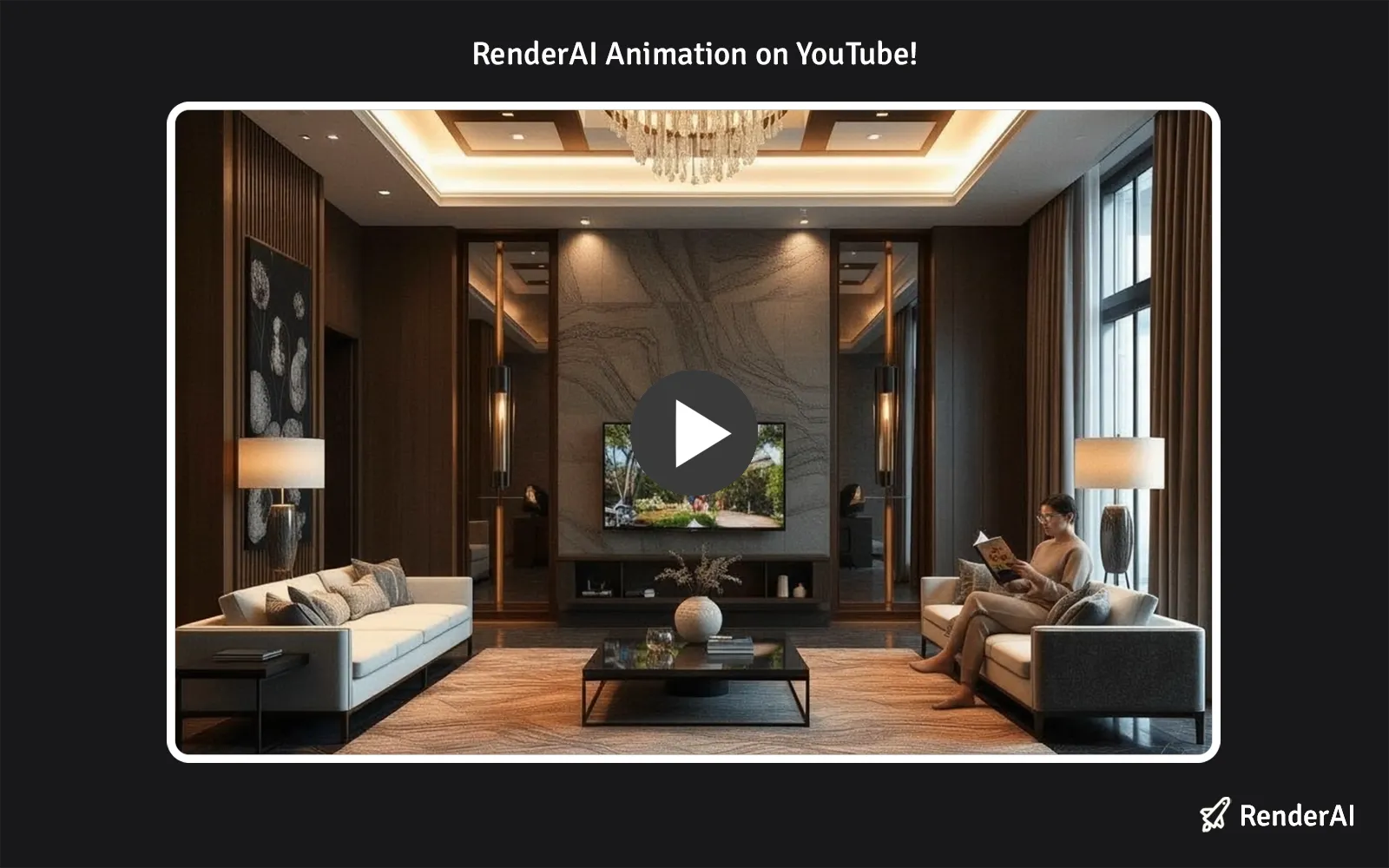
Animate an interior design project with AI rendering videos. Project by Francisco M.
For Marketing Professionals
Marketers need eye-catching, dynamic content that works across platforms. Your priority is compelling motion, consistency, and speed to explore fast while meeting campaign timelines.
Top picks:
- Runway Gen-4 Turbo (Quality: 4.4) – Fast generation with visual references keeps your creative intention intact. Perfect for rapid campaign iterations.
- Kling 2.5 Turbo Pro (Quality: 4.5) – Balances quality and speed, ideal for social media content and promotional materials. Fast enough for quick turnarounds.
- Google Veo 3.1 Fast (Quality: 4.5) – Maintains audio sync capabilities (perfect for branded content), with 60% faster generation than the standard version.
Use case: Transform property marketing images or architectural renders into dynamic 6 second videos optimized for Instagram Reels, YouTube Shorts, or website hero sections.
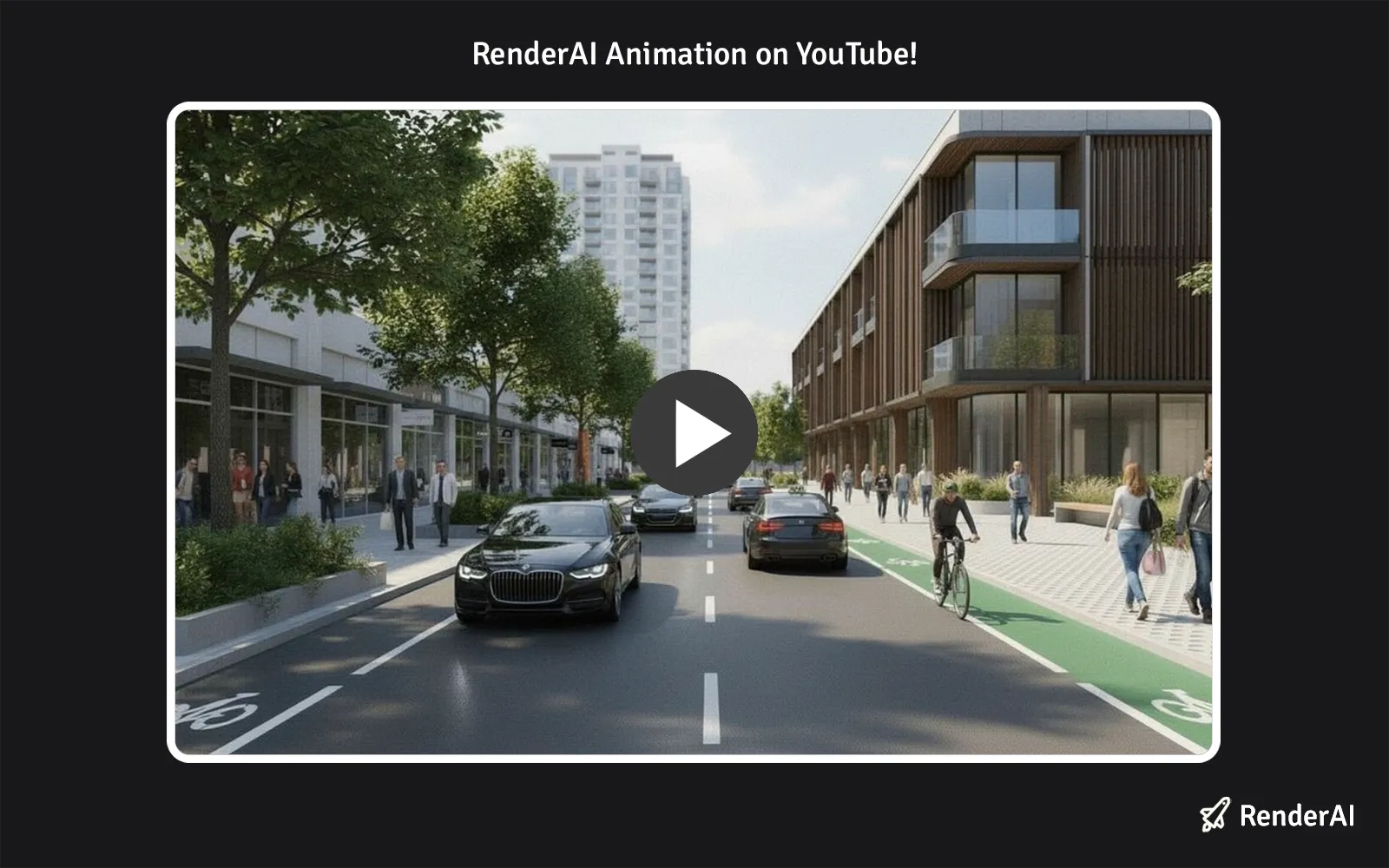
Urban space cinematic videos using image-to-video rendering models with RenderAI. Image by TUP.
Frequently Asked Questions
What’s the difference between image-to-video and text-to-video models?
Image-to-video (I2V) models start with a static image—your render, photo, or sketch—and generate motion within that scene. They’re ideal when you already have a composition you want to animate. Text-to-video generates entire scenes from scratch based on descriptions. For architecture and design, image-to-video is more reliable because you control the composition, materials, and camera angle.
How long do videos typically take to generate?
Most models generate 5-12 second videos in 15-160 seconds, depending on resolution and model complexity. “Fast” variants prioritize speed (15-30 seconds), while premium models may take 1-3 minutes for maximum quality. All are significantly faster than traditional animation workflows.
Can I control the camera movement?
Most image-to-video models generate motion automatically based on prompt hints. You can suggest camera direction (“pan left,” “move through space,” “zoom out”), but you don’t have frame-by-frame camera control like in traditional animation software. This is actually beneficial for rapid prototyping—you get professional results without complex setup. Some exceptional models allows you to fix the camera using a variable.
What resolution should I use for my renders?
Higher resolution input typically produces better results. We recommend starting with 720p or 1080p renders. Models support various resolutions (480p to 1080p output), so match your output resolution to your intended use—1080p for client presentations, 720p for social media, 480p for rapid prototyping.
Can I generate longer sequences?
Current models generate 5-12 second videos per generation. To create longer content, generate multiple 5-12 second segments and blend them together. This also allows you to control pacing and create more intentional narratives.
Do these models work with architectural sketches or only finished renders?
They work with both. Sketches, CAD screenshots, hand-drawn designs, photorealistic renders, and photographs all work as input. The quality of your output generally correlates with the clarity and composition of your input image.
Which model generates the most consistent videos?
Kling 3.0 (4.9 rating) and Google Veo 3.1 (4.8 rating) lead for consistency and visual quality, with Kling 3.0 offering native 4K and longer clips. Seedance 1 Pro (4.6 rating) excels for multi-shot narratives. If budget is a consideration, Kling 2.5 Turbo Pro (4.5 rating) offers excellent consistency at significantly better value.
Can I maintain specific materials and finishes in my video?
Yes, with models that support reference images. Google Veo 3.1 excels here—you can pin multiple reference images to ensure specific materials, lighting, and design details remain consistent throughout the video generation. This is critical for client-facing architectural work.
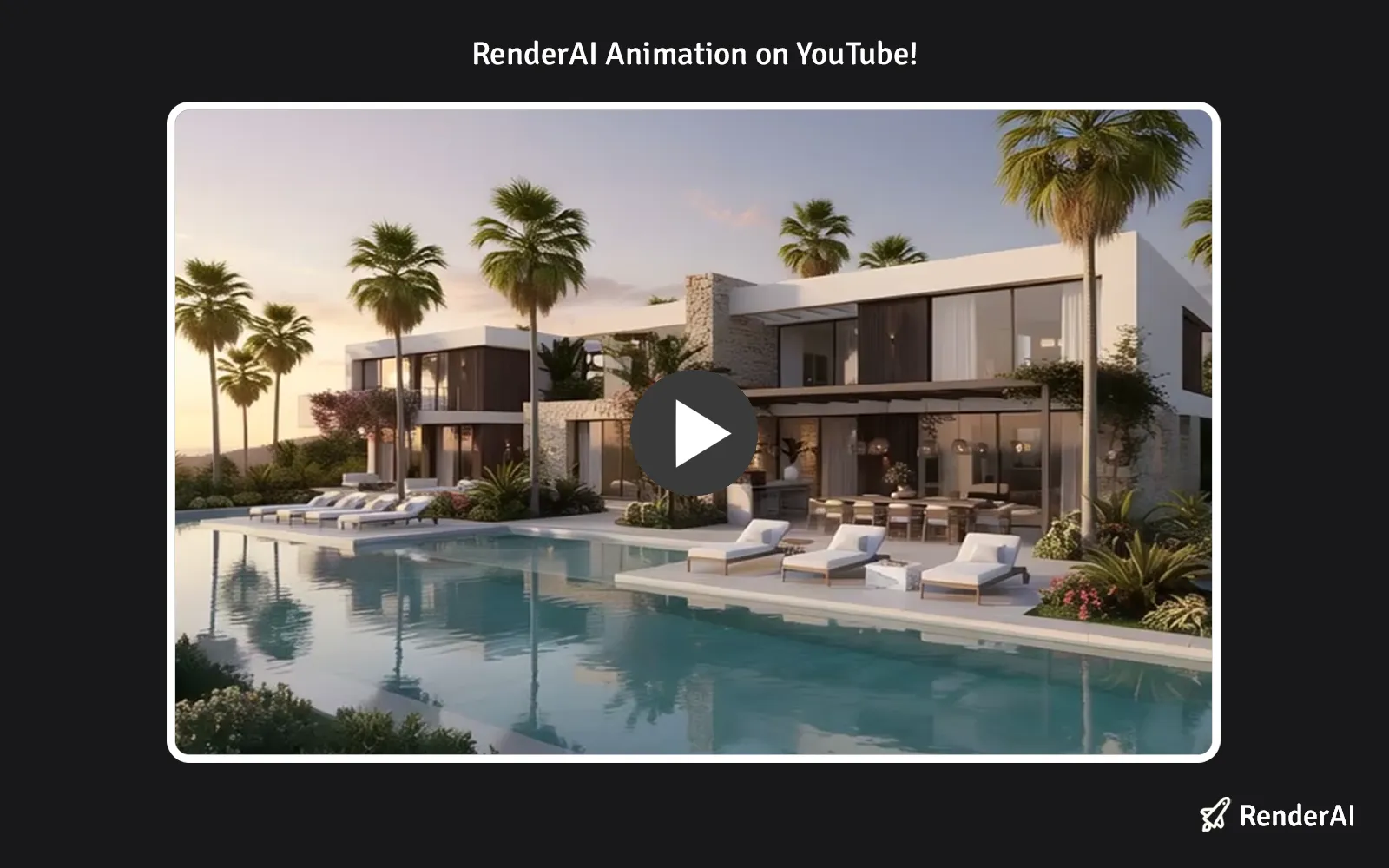
Hotel sunset AI rendering animation with RenderAI. Project by Ruben M.
Ready to Transform Your Renders Into Videos?
The gap between static images and compelling motion no longer requires weeks of work. State-of-the-art image-to-video models are production-ready and available now through many platforms such as Render AI.
Start with your best render or architectural photograph, choose a model that matches your quality and budget needs, and generate a professional video in minutes. Your clients will see your designs differently—and you’ll save weeks of animation work.
The future of architectural visualization isn’t just images. It’s motion, interaction, and the ability to help clients experience your designs before construction begins.
References:
- Google Cloud – Ultimate Prompting Guide for Veo 3.1. Official guidance on using Google’s Veo 3.1 model for video generation with advanced creative controls.
- Google AI – Generate Videos with Veo 3.1 in Gemini API. Technical documentation on implementing Veo 3.1 for image-to-video and text-to-video generation.
- Google Official Blog – Introducing Veo 3.1 and Advanced Capabilities in Flow. Announcement of Veo 3.1 features including audio generation, frame-to-frame consistency, and enhanced realism.
- MaxWave3D – 2025 Architectural Visualization Trends. Industry analysis of architectural visualization trends including AI integration, real-time rendering, and VR/AR applications.
- ReelMind AI – The Top AI Video Generators for Architects in 2025. Detailed comparison of AI video generation tools specifically for architectural applications and professional workflows.
- Google DeepMind – Veo 3.1 Model Specifications and Capabilities. Official information on Veo 3’s video generation capabilities, physics simulation, audio generation, and prompt adherence improvements.
- Kuaishou – Kling AI Video Generation. Official documentation for Kling 2.1, Kling 2.5 Turbo Pro, and Kling 3.0 (native 4K, extended duration, multi-shot, audio sync).
- PixVerse – PixVerse v5 Technical Documentation. Details on PixVerse v5’s globally ranked image-to-video consistency, color preservation technology, and 1080p video generation capabilities.
- Runway ML – Gen-4 Turbo Model Specifications. Technical details on Runway’s Gen-4 Turbo model, offering fast generation with visual references and dynamic motion for creative workflows.
- AI Rendering Tools for Architecture and Product Design – Complete overview of AI tools for design professionals
- ChatGPT vs Stable Diffusion 3 vs Google Imagen 3 – Deep comparison of leading AI image models
- Top AI Interior Rendering Tools – Specialized tools for interior design visualization
- This content uses AI research assistance with RenderAI expert analysis and human editing.
About the Author:
This article was written by Francisco. Architect, Visual Designer & Founder of RenderAI.


