From Rocket to Space: RenderAI's New Look
Summarize with AI
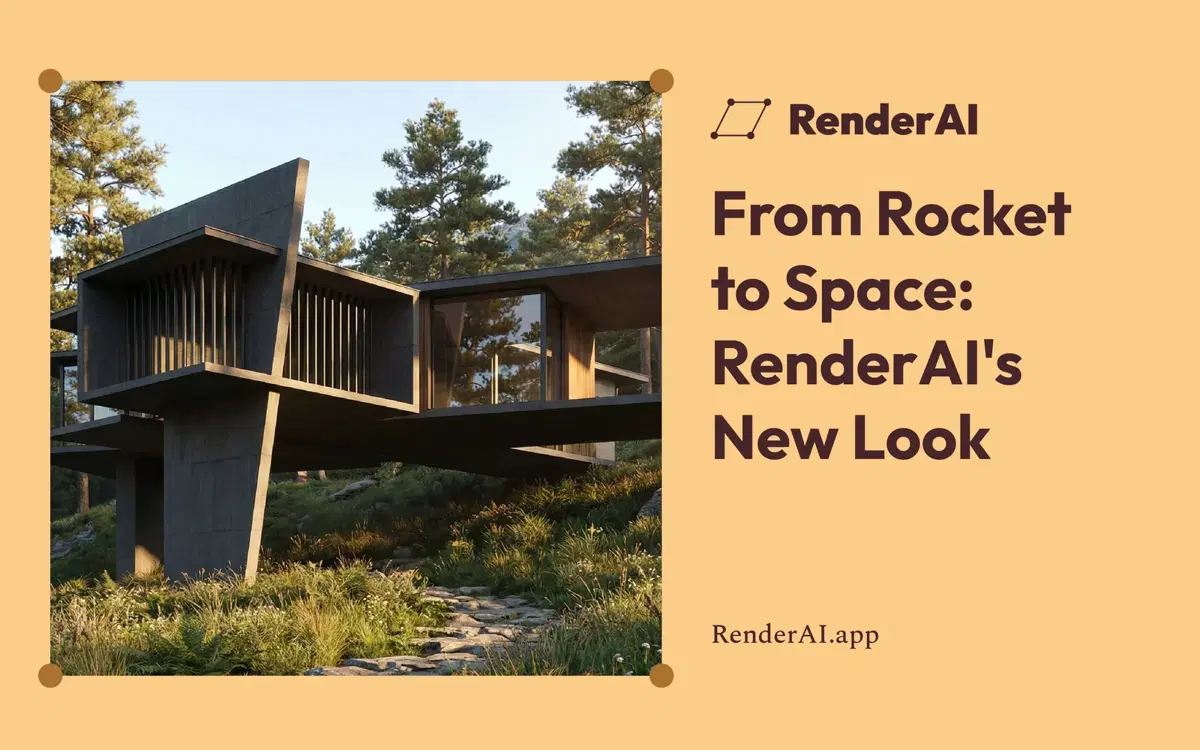
Render AI has a new look. A new logo, a new identity and a simpler, cleaner app. Your projects and the way you work stay the same. We want to tell you why we changed and what it means for you.

The new Render AI mark. Before a rocket, now space.
Three years of exploration
RenderAI’s first explorations began in 2023. At that time, AI rendering was an experiment. Models were unpredictable, and most architects and designers were still asking if this was serious.
Our first logo was a rocket. It made sense. We were exploring new territory that this emerging technology had just opened, testing every model that came out and moving as fast as we could. Exploration was the work.
Three years later, the picture is different. More than 100,000 people use RenderAI.app, and the app generates more than 10,000 AI renders every month. Many of our users have worked with us for years. They use Render AI in real projects, with real clients and real deadlines.
From rocket to space

The new mark frames the work.
The new mark is part of a rectangle. A frame that defines a space.
Every render is a new space, inside a frame set by the person who creates it. It is the shot you choose, the view you present, the image your client remembers. When you work in Render AI, everything happens inside that space: the sketch you upload, the image you create, the video you animate.
So the brand is no longer about the launch. It is about the place where the work happens. We no longer need to show you we’re moving fast. We need to make sure you have the right frame. We worked with Lateral Design on the new mark and visual system.
Precision, clarity, consistency
AI is now part of architecture and design. ArchDaily featured Render AI in its article on how to integrate AI into the workflow, from sketch to render. Architects and designers know it is here to stay, and they know it moves very fast. New models, new agents, new platforms and new ways of working appear all the time. We bring the latest available technology into Render AI right away. We do the heavy lifting of exploration, so you can focus on creating.
The question has changed. We know AI can do it. Now the question is: can I get the result I need? Does the render respect my design? Can I explore materials, light and proportions? Can I get the quality a visualization studio would deliver?
That is what professional work needs: precision in the result, clarity in the tool and consistency from one image to the next. The new brand is built around those three ideas. Simple shapes, a calm palette, and a lot of space for the image.

The new homepage, with more room for the image.
A simpler product
Along with the new brand, we worked on making the app simpler.
Many AI tools grow by adding features, extra buttons, more settings, more models. We went the other way and built the app around three main workflows:
- Create now handles sketch-to-image and text-to-image in the same space. You no longer choose a mode first. Start from a sketch, a photo or a few words, and work in one place.
- Upscale takes your image up to 6K for presentations and print.
- Animate turns a still into a video, up to 30 seconds, with motion, people and sound. (See our Seedance 2.5 interior test.)
Fewer buttons, clearer steps and more room for your renders.

Create, with the sketch and the render side by side.
We also improved Boards, an infinite canvas for each project. Drag your creations in from your history, arrange them, connect them and compare options side by side. It is the place to go from many tests to one clear proposal, and to present it to your client. More improvements to Boards are coming in the next few weeks.
What stays, and what gets better
If you already use Render AI, what matters is still in place:
- Your projects, boards and history are where you left them.
- The models and methods you use every day are still there.
And some things got better:
- Premium Pro plans now include 25% more tokens.
- On Creator Pro and Premium Pro, you can buy token top-ups for busier months, without changing your plan.
- My Account shows your work for the month, so you have a clear view of your usage.
Always improving
We improve Render AI almost every week: new models, better results, small fixes you may never notice. In AI, standing still is not an option. A tool that stops changing falls behind in months.
This time the change is bigger and more visible. But it comes from the same place: three years of building with architects and designers, and listening to what they need from their images.
We would love to know what you think of the new look. Send us your feedback. We read every message.
Frequently Asked Questions
What is Render AI?
Render AI is a browser-based AI rendering app for architects, interior designers and product designers. It turns sketches, photos, 3D views and text into photorealistic images and videos. It was born in 2023 and more than 100,000 people use it today.
Does the new brand change anything in my account?
Your projects, boards, history and methods stay the same. What changed adds to it: Premium Pro plans have 25% more tokens, Creator Pro and Premium Pro can buy top-ups for busy months, and My Account shows your work for the month.
What changed in the product?
Create now handles both sketch-to-image and text-to-image in one space. The app is organized around three main workflows (Create, Upscale and Animate), with fewer buttons and more room for the image. Boards is an infinite canvas to organize, compare and present the renders of each project.
References:
- Del cohete al espacio: la nueva imagen de RenderAI (Spanish version)
- Render AI is part of Paddle AI Launchpad
- We Tested Seedance 2.5 AI Video on a Luxury Interior Space
- Top 10 AI Image Upscalers for Architects and Designers
- From Sketch to Concept: Using Render AI in Early Architectural Ideation
- Lateral worked on the new mark and system.
About the Author:
This article was written by Francisco. Architect, Visual Designer & Founder of RenderAI.